πŸš€ Fix Microsoft Edge Status_Access_Violation Error FAST: Ultimate 2026 Guide

Encountering the dreaded Status_Access_Violation error in Microsoft Edge? Don't worryβ€”this common crash isn't the end of your browsing world! 😊 It typically pops up when Edge tries to access memory it shouldn't, causing sudden closures. Whether you're mid-scroll or loading a page, our focused guide delivers quick, effective fixes to restore your browser. Stick around for step-by-step solutions that work on the latest Edge versions.

What Causes the "Status_Access_Violation" Error in Microsoft Edge?

Understanding the root issues helps you target fixes precisely. Here's a breakdown of top triggers:

  • Conflicting Extensions: Faulty add-ons interfere with Edge's memory handling.
  • Corrupted Cache/Cookies: Built-up junk data leads to access violations.
  • Outdated Graphics Drivers: GPU conflicts, especially on NVIDIA/AMD cards.
  • Antivirus Interference: Overzealous security software blocks Edge processes.
  • System File Corruption: Windows glitches or incomplete Edge updates.
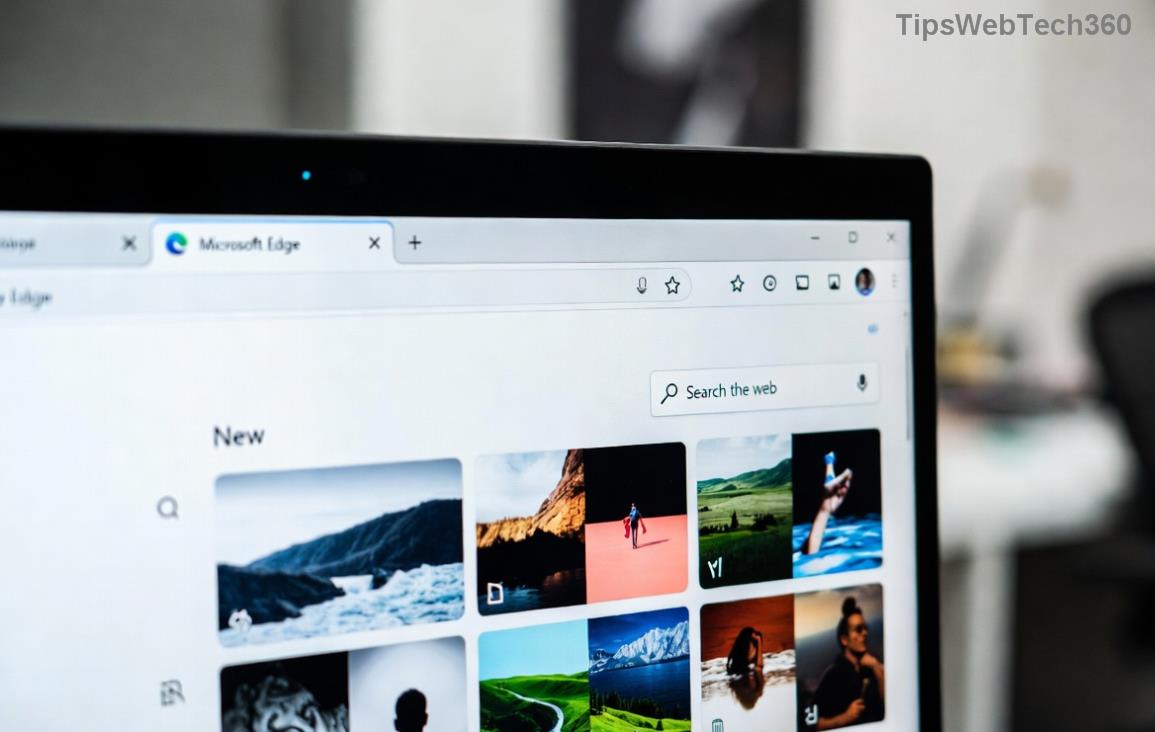
Microsoft Edge Status_Access_Violation error screenshot showing crash dialog

Spot this error? It's time to troubleshoot systematically. ➀ Let's dive into fixes, starting with the simplest.

πŸ› οΈ Step-by-Step Troubleshooting for Status_Access_Violation in Edge

Follow these in orderβ€”most users fix it by step 3! Test Edge after each one.

  1. Restart Edge in Clean Mode
    Close Edge completely (use Task Manager: Ctrl+Shift+Esc ➜ End edge.exe tasks).
    Relaunch with: Right-click Edge icon ➜ Run as administrator.
    Or use command: msedge.exe --no-sandbox --disable-gpu in Run dialog (Win+R).
    βœ… Quick win for temporary glitches!
  2. Disable All Extensions
    edge://extensions/ ➜ Toggle off everything.
    Restart Edge. Re-enable one-by-one to identify culprits like ad-blockers.
    Pro tip: Common offenders? LastPass, Grammarly.
  3. Clear Browsing Data
    edge://settings/clearBrowserData ➜ Select "All time" for Cached images/files, Cookies.
    Hit Clear now. This refreshes Edge without losing bookmarks.
  4. Update Graphics Drivers
    Press Win+X ➜ Device Manager ➜ Display adapters.
    Right-click your GPU ➜ Update driver ➜ Search automatically.
    For NVIDIA/AMD, download latest from official sites.
Fix Time Needed Success Rate Difficulty
Clean Restart 1 min ⭐⭐⭐⭐ Easy
Disable Extensions 2-5 min ⭐⭐⭐⭐⭐ Easy
Clear Cache 2 min ⭐⭐⭐⭐ Easy
Update Drivers 10 min ⭐⭐⭐ Medium
Step-by-step guide screenshot for clearing Edge cache and fixing Status_Access_Violation

⚑ Advanced Fixes if Basics Fail

Still crashing? Level up with these:

  1. Reset Microsoft Edge
    edge://settings/reset ➜ Restore settings to defaults.
    Keeps your data intactβ€”game-changer for stubborn errors!
  2. Run SFC and DISM Scans
    Open Command Prompt as admin:
    sfc /scannow
    Then: DISM /Online /Cleanup-Image /RestoreHealth
    Repairs corrupted Windows files fueling the violation.
  3. Disable Hardware Acceleration
    edge://settings/system ➜ Turn off "Use hardware acceleration". Restart.
  4. Reinstall Edge
    Settings ➜ Apps ➜ Microsoft Edge ➜ Uninstall (PowerShell method for full wipe).
    Download fresh from microsoft.com/edge.
    πŸ‘ Fresh install often seals the deal.
  5. Antivirus Check
    Temporarily disable third-party AV (e.g., Norton, McAfee).
    Add Edge to exclusions if it helps. Windows Defender rarely causes this.

For rare hardware faults, check RAM with Windows Memory Diagnostic (search in Start menu).

πŸ›‘οΈ Prevent Future Status_Access_Violation Errors

  • ⭐ Keep Edge and drivers updated automatically.
  • Limit extensions to trusted ones.
  • Clear cache monthly.
  • Run weekly SFC scans.
  • Avoid shady downloads that bundle junkware.

Bonus: Enable Edge's Startup Boost in settings/system for snappier launches post-fix.

Final Thoughts: Browse Crash-Free! πŸŽ‰

By now, your Microsoft Edge should be violation-free. Most fixes take under 10 minutes, and our table shows the fastest paths. If issues persist, drop a comment belowβ€”what step worked for you? Share to help others! For official deep dives, visit Microsoft Edge Support.

Happy browsingβ€”your smooth Edge experience awaits! πŸš€

Leave a Comment

πŸš€ Ultimate 2026 Guide: Completely Remove Microsoft Edge via PowerShell – Step-by-Step No More Bloatware!

πŸš€ Ultimate 2026 Guide: Completely Remove Microsoft Edge via PowerShell – Step-by-Step No More Bloatware!

Discover the definitive step-by-step guide to removing Microsoft Edge via PowerShell in 2026. Safely uninstall Edge completely, reclaim your PC performance, and switch browsers effortlessly. Expert tips, troubleshooting, and warnings included.

πŸš€ Ultimate 2026 Hack: Completely Uninstall Microsoft Edge from Windows 11 – Never Reinstall Again!

πŸš€ Ultimate 2026 Hack: Completely Uninstall Microsoft Edge from Windows 11 – Never Reinstall Again!

Discover the definitive step-by-step guide on how to completely uninstall Microsoft Edge from Windows 11 in 2026. Say goodbye to bloatware forever with safe, proven methods. Boost your PC speed today!

Fix Microsoft Edge Transparency Glitches on Multi-GPU PCs: Proven Troubleshooting Guide

Fix Microsoft Edge Transparency Glitches on Multi-GPU PCs: Proven Troubleshooting Guide

Struggling with Microsoft Edge transparency issues on multi-GPU setups? Discover step-by-step fixes for flickering, black screens, and glitches. Master troubleshooting Microsoft Edge "Transparency" Multi GPU problems today!

Fix Microsoft Edge Touchpad Scrolling Lag: 7 Proven Steps for Instant Smooth Scrolling!

Fix Microsoft Edge Touchpad Scrolling Lag: 7 Proven Steps for Instant Smooth Scrolling!

Tired of choppy touchpad scrolling in Microsoft Edge? Follow our expert guide with step-by-step fixes for Microsoft Edge touchpad scrolling lag. Restore buttery-smooth browsing todayβ€”no tech skills needed!

Master Microsoft Edge Extensions: Ultimate Guide to Management & Permissions

Master Microsoft Edge Extensions: Ultimate Guide to Management & Permissions

Discover how to manage Microsoft Edge extensions and permissions like a pro. Boost security, performance, and control with step-by-step tips for seamless browsing.

πŸš€ Fix Microsoft Edge FTP Access Denied Instantly: 2026 Proven Solutions!

πŸš€ Fix Microsoft Edge FTP Access Denied Instantly: 2026 Proven Solutions!

Struggling with Microsoft Edge "FTP Access Denied"? Get step-by-step fixes to restore FTP access securely. Quick browser tweaks, policy changes, and top alternatives for seamless file transfers. Solve it now!

πŸš€ Permanently Disable Microsoft Edge WebView2 Runtime: Ultimate Step-by-Step Guide (No Reinstalls!)

πŸš€ Permanently Disable Microsoft Edge WebView2 Runtime: Ultimate Step-by-Step Guide (No Reinstalls!)

Struggling with Microsoft Edge WebView2 Runtime hogging resources? Discover proven methods to disable Microsoft Edge WebView2 Runtime permanently on Windows. Simple, safe steps for latest versions – reclaim your PC now!

πŸš€ Fix Microsoft Edge Unknown Hard Error in 2026: 7 Proven Steps to Stop Crashes Instantly!

πŸš€ Fix Microsoft Edge Unknown Hard Error in 2026: 7 Proven Steps to Stop Crashes Instantly!

Tired of Microsoft Edge Unknown Hard Error crashing your PC? Get step-by-step fixes for 2026 including updates, resets, and scans to restore smooth browsing. No tech skills needed!

πŸš€ Ultimate Fix: How to Resolve Microsoft Edge Wallpaper Engine Conflict in Minutes!

πŸš€ Ultimate Fix: How to Resolve Microsoft Edge Wallpaper Engine Conflict in Minutes!

Tired of Microsoft Edge crashing with Wallpaper Engine? Follow our step-by-step guide to fix the Microsoft Edge Wallpaper Engine conflict permanently. Proven solutions for smooth performance and stunning wallpapers.

Fix Microsoft Edge Error 404 Not Found: Quick & Proven Troubleshooting Guide

Fix Microsoft Edge Error 404 Not Found: Quick & Proven Troubleshooting Guide

Tired of Microsoft Edge Error 404 Page Not Found blocking your browsing? Discover step-by-step solutions to solve Microsoft Edge Error 404 fast, from cache clearing to advanced resets. Get online now!