Stop Microsoft Edge Tab Freezing Forever: Ultimate Fixes for Unresponsive Pages

Imagine clicking a tab only for it to freeze mid-load, leaving you staring at a spinning wheel of frustration. Microsoft Edge tab freezing and unresponsive pages are common headaches that disrupt workflows, from casual browsing to critical tasks. But don't worry—you're not alone, and there's a clear path to smooth sailing. This guide delivers targeted fixes for Microsoft Edge tab freezing, backed by the latest troubleshooting from official sources. Follow these steps, and reclaim your browser's speed. Let's dive in! πŸš€

Why Do Tabs Freeze in Microsoft Edge? Top Causes Revealed

Understanding the root causes of Microsoft Edge tab freezing is your first step to victory. Common culprits include:

  • Memory overload: Too many tabs or resource-heavy sites hog RAM.
  • Outdated extensions: Faulty add-ons clash with Edge's engine.
  • Cache buildup: Corrupted temporary files slow everything down.
  • Hardware acceleration glitches: GPU conflicts on certain setups.
  • Background processes: Malware or conflicting apps interfering.

Spot these early? Great—now let's fix unresponsive pages in Edge with quick wins. πŸ‘†

Microsoft Edge tab freezing illustration showing frozen browser tabs

Quick Fixes: Resolve Edge Tab Freezing in Under 5 Minutes

Start with these no-fuss solutions for instant relief from Microsoft Edge unresponsive pages. Most users see results right away!

  1. Refresh the tab: Hit Ctrl + F5 (hard refresh) or right-click > Reload. Bypasses cache for a clean load. ⭐
  2. Close excess tabs: Use Edge's built-in Tab Groups or the vertical tabs sidebar (Settings > Appearance) to manage. Aim for under 10 active tabs.
  3. Disable hardware acceleration:
    StepAction
    1edge://settings/system
    2Toggle OFF "Use hardware acceleration when available"
    3Restart Edge

    This fixes GPU-related tab freezing in Microsoft Edge for many. πŸ‘

Still stuck? Proceed to deeper troubleshooting. Your patience will pay off!

Advanced Solutions: Banish Unresponsive Pages in Edge for Good

If quick fixes fall short, these power moves target stubborn Microsoft Edge tab freezing. Proceed step-by-step.

1. Clear Cache and Cookies

Corrupted data is a prime suspect. Go to edge://settings/clearBrowserData, select "All time" for Cached images/files and Cookies, then hit Clear now. Watch unresponsive tabs vanish! 😎
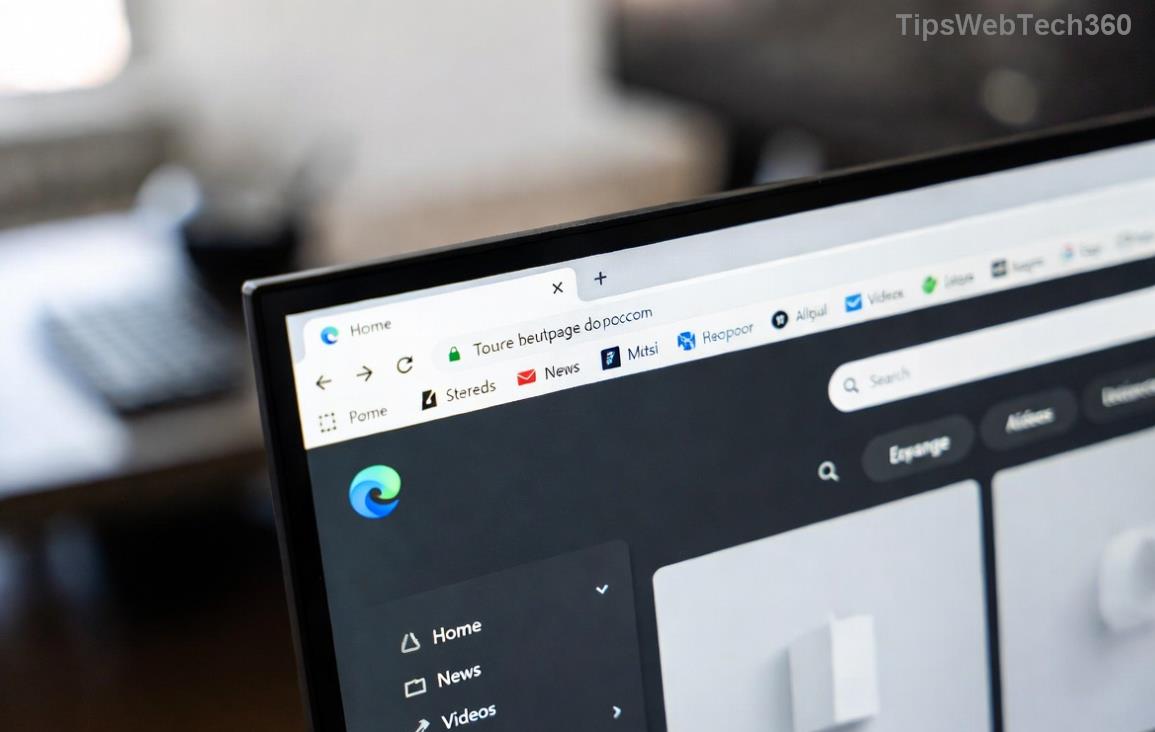
Step-by-step guide to clearing Edge cache for fixing tab freezing

2. Update or Reset Extensions

Extensions love causing chaos. Navigate to edge://extensions:

  • Toggle off all, test browsing.
  • Re-enable one-by-one to identify culprits.
  • Update via Microsoft Edge Add-ons store.

Pro tip: Stick to verified extensions to avoid future Edge tab freezes.

3. Run Edge in InPrivate Mode

Test via Ctrl + Shift + N. If tabs run smoothly, extensions or cache are guilty. No freeze? You've isolated the issue!

4. Reset Microsoft Edge Settings

For a fresh start: edge://settings/reset > Restore settings to default. Keeps bookmarks intact while nuking glitches.
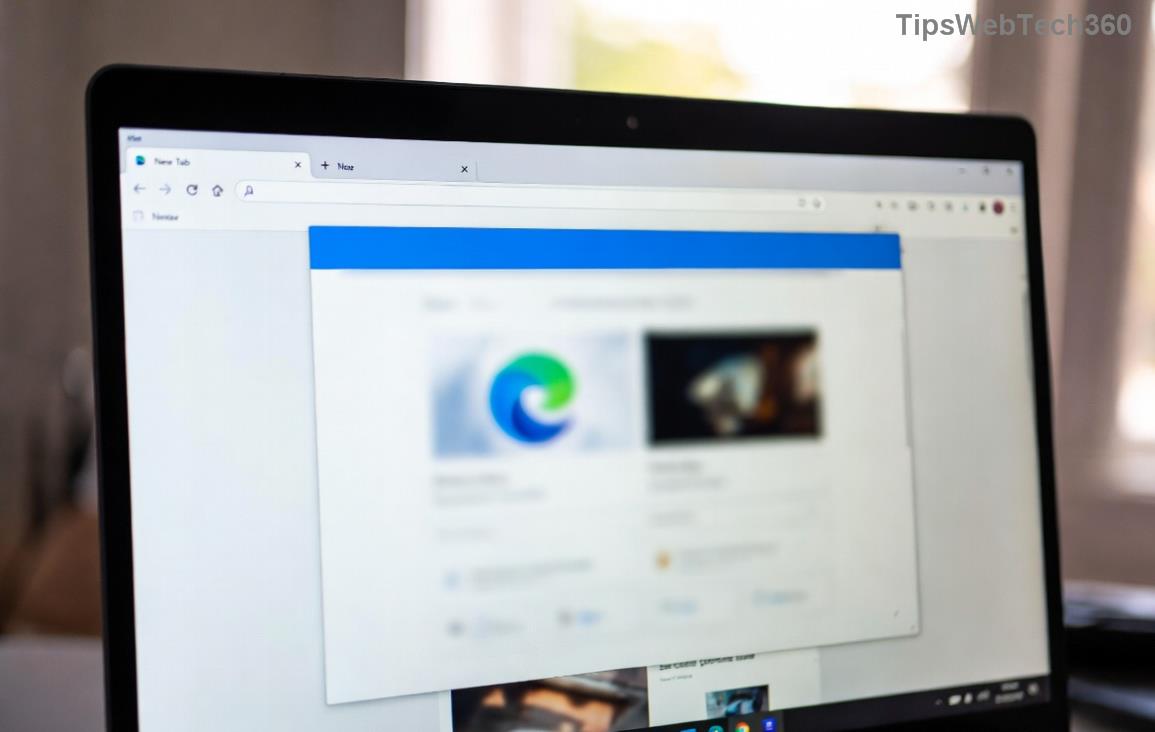
Microsoft Edge reset settings screen for resolving unresponsive pages

5. Scan for Malware and Update Edge

Use Windows Security (search "Virus & threat protection") for a full scan. Then, check for updates: Settings > About Microsoft Edge. Latest builds squash known tab freezing bugs.

For official guidance, see Microsoft's support: Edge Performance Troubleshooting.

Prevention Tips: Keep Microsoft Edge Tabs Freezing-Free Long-Term

Don't just fix—prevent! Implement these habits:

  • ⭐ Enable Sleeping Tabs: Settings > System > Put inactive tabs to sleep.
  • πŸ“± Use Efficiency Mode: Reduces CPU for unresponsive pages.
  • πŸ”§ Regularly update Windows and Edge.
  • πŸ’Ύ Monitor Task Manager (Shift + Esc in Edge) for resource hogs.
MethodImpact on Tab FreezingTime to Implement
Sleeping TabsHigh (frees 30-50% RAM)1 min
Efficiency ModeMedium-High30 sec
Extension AuditHigh5 min

Final Thoughts: Smooth Browsing Awaits!

Congratulations! You've armed yourself against Microsoft Edge tab freezing and unresponsive pages. Start with quick fixes, escalate as needed, and adopt prevention for lasting wins. If issues persist, drop a comment below—we're in this together. Happy browsing! πŸŽ‰

Leave a Comment

πŸš€ Ultimate 2026 Hack: Completely Uninstall Microsoft Edge from Windows 11 – Never Reinstall Again!

πŸš€ Ultimate 2026 Hack: Completely Uninstall Microsoft Edge from Windows 11 – Never Reinstall Again!

Discover the definitive step-by-step guide on how to completely uninstall Microsoft Edge from Windows 11 in 2026. Say goodbye to bloatware forever with safe, proven methods. Boost your PC speed today!

Fix Microsoft Edge Transparency Glitches on Multi-GPU PCs: Proven Troubleshooting Guide

Fix Microsoft Edge Transparency Glitches on Multi-GPU PCs: Proven Troubleshooting Guide

Struggling with Microsoft Edge transparency issues on multi-GPU setups? Discover step-by-step fixes for flickering, black screens, and glitches. Master troubleshooting Microsoft Edge "Transparency" Multi GPU problems today!

Fix Microsoft Edge Touchpad Scrolling Lag: 7 Proven Steps for Instant Smooth Scrolling!

Fix Microsoft Edge Touchpad Scrolling Lag: 7 Proven Steps for Instant Smooth Scrolling!

Tired of choppy touchpad scrolling in Microsoft Edge? Follow our expert guide with step-by-step fixes for Microsoft Edge touchpad scrolling lag. Restore buttery-smooth browsing todayβ€”no tech skills needed!

Master Microsoft Edge Extensions: Ultimate Guide to Management & Permissions

Master Microsoft Edge Extensions: Ultimate Guide to Management & Permissions

Discover how to manage Microsoft Edge extensions and permissions like a pro. Boost security, performance, and control with step-by-step tips for seamless browsing.

πŸš€ Fix Microsoft Edge FTP Access Denied Instantly: 2026 Proven Solutions!

πŸš€ Fix Microsoft Edge FTP Access Denied Instantly: 2026 Proven Solutions!

Struggling with Microsoft Edge "FTP Access Denied"? Get step-by-step fixes to restore FTP access securely. Quick browser tweaks, policy changes, and top alternatives for seamless file transfers. Solve it now!

πŸš€ Permanently Disable Microsoft Edge WebView2 Runtime: Ultimate Step-by-Step Guide (No Reinstalls!)

πŸš€ Permanently Disable Microsoft Edge WebView2 Runtime: Ultimate Step-by-Step Guide (No Reinstalls!)

Struggling with Microsoft Edge WebView2 Runtime hogging resources? Discover proven methods to disable Microsoft Edge WebView2 Runtime permanently on Windows. Simple, safe steps for latest versions – reclaim your PC now!

πŸš€ Fix Microsoft Edge Unknown Hard Error in 2026: 7 Proven Steps to Stop Crashes Instantly!

πŸš€ Fix Microsoft Edge Unknown Hard Error in 2026: 7 Proven Steps to Stop Crashes Instantly!

Tired of Microsoft Edge Unknown Hard Error crashing your PC? Get step-by-step fixes for 2026 including updates, resets, and scans to restore smooth browsing. No tech skills needed!

πŸš€ Ultimate Fix: How to Resolve Microsoft Edge Wallpaper Engine Conflict in Minutes!

πŸš€ Ultimate Fix: How to Resolve Microsoft Edge Wallpaper Engine Conflict in Minutes!

Tired of Microsoft Edge crashing with Wallpaper Engine? Follow our step-by-step guide to fix the Microsoft Edge Wallpaper Engine conflict permanently. Proven solutions for smooth performance and stunning wallpapers.

Fix Microsoft Edge Error 404 Not Found: Quick & Proven Troubleshooting Guide

Fix Microsoft Edge Error 404 Not Found: Quick & Proven Troubleshooting Guide

Tired of Microsoft Edge Error 404 Page Not Found blocking your browsing? Discover step-by-step solutions to solve Microsoft Edge Error 404 fast, from cache clearing to advanced resets. Get online now!

πŸš€ Stop Microsoft Edge Auto-Start on Windows 11: Lightning-Fast Fixes for Faster Boot!

πŸš€ Stop Microsoft Edge Auto-Start on Windows 11: Lightning-Fast Fixes for Faster Boot!

Learn how to disable Microsoft Edge auto-start on Windows 11 effortlessly. Boost your PC speed with proven methods using Task Manager, Settings, and more. Quick steps for instant results!