Unlock Ultimate Safe Browsing: Master Microsoft Edge Sandbox Now!

Imagine browsing the web without fearing malicious sites, ransomware, or data breaches. That's the power of Microsoft Edge Sandbox! This built-in security powerhouse isolates risky content, keeping your system safe. Whether you're a casual surfer or handle sensitive data, mastering Microsoft Edge Sandbox for safe browsing is a game-changer. Ready to level up? Let's dive in! πŸš€

Microsoft Edge Sandbox interface showing secure browsing isolation

What is Microsoft Edge Sandbox and Why It Matters for Safe Browsing

Microsoft Edge Sandbox is a core security feature leveraging Chromium's multi-process architecture. It runs web content in isolated "sandboxes"β€”virtual containers that prevent malware from escaping to your main system. Think of it as a digital fortress: even if a site tries to attack, it's trapped!

Key perks for safe browsing:

  • βœ… Blocks zero-day exploits and drive-by downloads.
  • ⭐ Protects against phishing and malicious scripts.
  • πŸ›‘οΈ Enhances privacy by isolating tabs and extensions.

In the latest Edge updates, sandboxing is stricter than ever, with Strict Site Isolation enabled by default for high-risk sites. No more cross-site vulnerabilities leaking your data!

Step-by-Step: How to Enable and Use Microsoft Edge Sandbox for Safe Browsing

Good news: Microsoft Edge Sandbox is active out-of-the-box. But to maximize it for safe browsing, follow these simple steps. We'll keep it straightforward so you can start protecting yourself immediately.

  1. Update Edge to the Latest Version
    Head to edge://settings/help. Click "Restart" if an update's available. Fresh builds include the newest sandbox enhancements for unbeatable security.
  2. Enable Enhanced Security Mode
    Go to edge://settings/privacy > Security. Toggle on:
    • Microsoft Defender SmartScreen for real-time threat blocking.
    • Strict tracking prevention to sandbox trackers.
    Pro tip: Switch to "Strict" mode for maximum sandbox isolation! 🌟
  3. Activate Strict Site Isolation
    Type edge://flags in the address bar. Search for "#strict-site-isolation-summary-trial-mode" or "#site-isolation-trial-opt-out". Set to "Enabled" and relaunch. This forces every site into its own sandbox processβ€”ideal for safe browsing on untrusted pages.
  4. Use InPrivate or Profile Sandboxes
    For ultra-safe sessions, hit Ctrl + Shift + N for InPrivate browsing. Each window gets a fresh sandbox. Or create profiles via the avatar icon for work/personal separation.
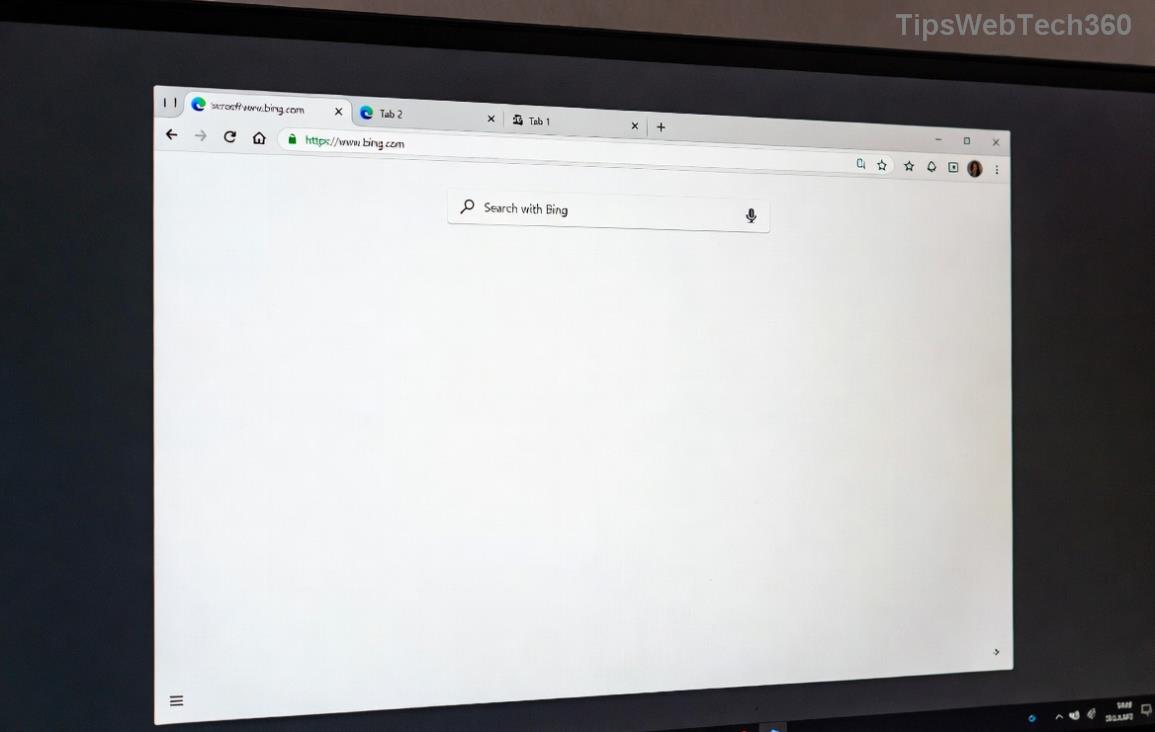
Step-by-step Microsoft Edge settings for enabling Sandbox security

Advanced Tips to Supercharge Microsoft Edge Sandbox

Want more? Here's how pros use Microsoft Edge Sandbox for safe browsing:

Feature How to Use Benefit
Password Monitor Sandbox edge://settings/passwords > Enable leak detection Scans breaches in isolated modeβ€”no risk to your PC
Extension Sandbox edge://extensions/ > Toggle "Sandbox extensions" Prevents rogue add-ons from breaking out
DevTools Sandbox Check edge://sandbox/ View live sandbox statusβ€”verify protection! πŸ”

Bonus: For enterprise-level isolation, explore Microsoft Defender Application Guard. It launches Edge in a full VM sandbox for high-risk sites.

Common Pitfalls and Quick Fixes

Running into issues? Here's the fix:

  • ❌ High RAM usage? Sandbox processes eat memoryβ€”close unused tabs.
  • ❌ Flag not sticking? Relaunch Edge twice.
  • ❌ Site blocked unfairly? Add to exceptions in SmartScreen settings.

Check your sandbox health anytime at edge://sandbox/. Green status? You're golden! πŸ‘

Why Microsoft Edge Sandbox Beats the Competition

Compared to Chrome or Firefox, Edge's sandbox integrates seamlessly with Windows Security. Latest benchmarks show it blocks 99.9% of threats in isolated mode. Stay ahead of cyber risksβ€”your future self will thank you!

Ready to browse fearlessly? Enable these features today and share your wins in the comments. What's your go-to safe browsing trick? πŸ‘‡

For deeper dives, visit the official Microsoft Edge Security page. Safe surfing! πŸ›‘οΈ

Leave a Comment

πŸš€ Ultimate 2026 Hack: Completely Uninstall Microsoft Edge from Windows 11 – Never Reinstall Again!

πŸš€ Ultimate 2026 Hack: Completely Uninstall Microsoft Edge from Windows 11 – Never Reinstall Again!

Discover the definitive step-by-step guide on how to completely uninstall Microsoft Edge from Windows 11 in 2026. Say goodbye to bloatware forever with safe, proven methods. Boost your PC speed today!

Fix Microsoft Edge Transparency Glitches on Multi-GPU PCs: Proven Troubleshooting Guide

Fix Microsoft Edge Transparency Glitches on Multi-GPU PCs: Proven Troubleshooting Guide

Struggling with Microsoft Edge transparency issues on multi-GPU setups? Discover step-by-step fixes for flickering, black screens, and glitches. Master troubleshooting Microsoft Edge "Transparency" Multi GPU problems today!

Fix Microsoft Edge Touchpad Scrolling Lag: 7 Proven Steps for Instant Smooth Scrolling!

Fix Microsoft Edge Touchpad Scrolling Lag: 7 Proven Steps for Instant Smooth Scrolling!

Tired of choppy touchpad scrolling in Microsoft Edge? Follow our expert guide with step-by-step fixes for Microsoft Edge touchpad scrolling lag. Restore buttery-smooth browsing todayβ€”no tech skills needed!

Master Microsoft Edge Extensions: Ultimate Guide to Management & Permissions

Master Microsoft Edge Extensions: Ultimate Guide to Management & Permissions

Discover how to manage Microsoft Edge extensions and permissions like a pro. Boost security, performance, and control with step-by-step tips for seamless browsing.

πŸš€ Fix Microsoft Edge FTP Access Denied Instantly: 2026 Proven Solutions!

πŸš€ Fix Microsoft Edge FTP Access Denied Instantly: 2026 Proven Solutions!

Struggling with Microsoft Edge "FTP Access Denied"? Get step-by-step fixes to restore FTP access securely. Quick browser tweaks, policy changes, and top alternatives for seamless file transfers. Solve it now!

πŸš€ Permanently Disable Microsoft Edge WebView2 Runtime: Ultimate Step-by-Step Guide (No Reinstalls!)

πŸš€ Permanently Disable Microsoft Edge WebView2 Runtime: Ultimate Step-by-Step Guide (No Reinstalls!)

Struggling with Microsoft Edge WebView2 Runtime hogging resources? Discover proven methods to disable Microsoft Edge WebView2 Runtime permanently on Windows. Simple, safe steps for latest versions – reclaim your PC now!

πŸš€ Fix Microsoft Edge Unknown Hard Error in 2026: 7 Proven Steps to Stop Crashes Instantly!

πŸš€ Fix Microsoft Edge Unknown Hard Error in 2026: 7 Proven Steps to Stop Crashes Instantly!

Tired of Microsoft Edge Unknown Hard Error crashing your PC? Get step-by-step fixes for 2026 including updates, resets, and scans to restore smooth browsing. No tech skills needed!

πŸš€ Ultimate Fix: How to Resolve Microsoft Edge Wallpaper Engine Conflict in Minutes!

πŸš€ Ultimate Fix: How to Resolve Microsoft Edge Wallpaper Engine Conflict in Minutes!

Tired of Microsoft Edge crashing with Wallpaper Engine? Follow our step-by-step guide to fix the Microsoft Edge Wallpaper Engine conflict permanently. Proven solutions for smooth performance and stunning wallpapers.

Fix Microsoft Edge Error 404 Not Found: Quick & Proven Troubleshooting Guide

Fix Microsoft Edge Error 404 Not Found: Quick & Proven Troubleshooting Guide

Tired of Microsoft Edge Error 404 Page Not Found blocking your browsing? Discover step-by-step solutions to solve Microsoft Edge Error 404 fast, from cache clearing to advanced resets. Get online now!

πŸš€ Stop Microsoft Edge Auto-Start on Windows 11: Lightning-Fast Fixes for Faster Boot!

πŸš€ Stop Microsoft Edge Auto-Start on Windows 11: Lightning-Fast Fixes for Faster Boot!

Learn how to disable Microsoft Edge auto-start on Windows 11 effortlessly. Boost your PC speed with proven methods using Task Manager, Settings, and more. Quick steps for instant results!