πŸ”§ Fix Microsoft Teams Restart Loop Error in Minutes: Proven 2026 Solutions!

Imagine firing up Microsoft Teams for an important meeting, only for it to crash and restart endlessly. Frustrating, right? 😩 The Microsoft Teams Error Restart Loop is a common headache, but don't worryβ€”it's fixable with simple steps. This guide delivers quick, effective solutions to get you back to seamless collaboration. Follow along, and you'll be chatting smoothly in no time! πŸš€

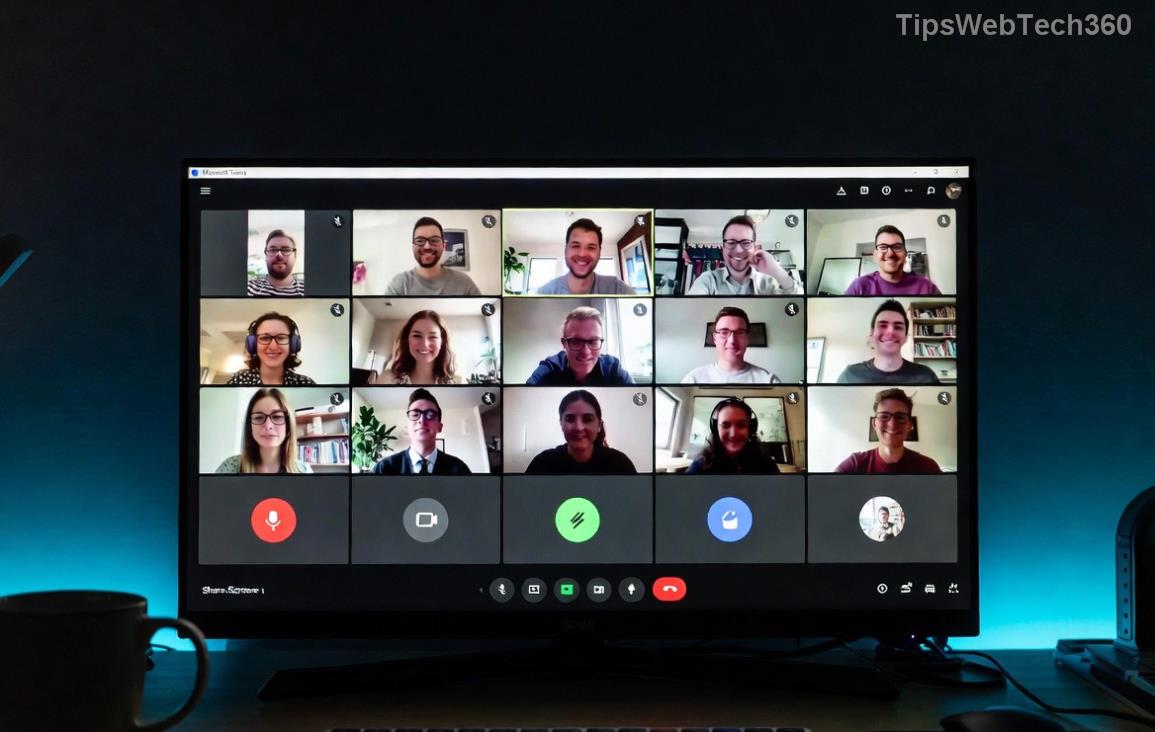
Microsoft Teams showing restart loop error screen

Why Does Microsoft Teams Restart Loop Happen? Quick Causes

Before diving into fixes, understand the culprits behind the Microsoft Teams Error Restart Loop:

  • βœ… Corrupted cache files: Temporary data builds up and glitches.
  • βœ… Outdated app version: Bugs from incomplete updates.
  • βœ… Permission issues: Teams lacks admin rights or antivirus blocks it.
  • βœ… Conflicting software: VPNs, firewalls, or other apps interfere.
  • βœ… Damaged installation: Core files go corrupt over time.

Spot on? Now, let's crush this loop with targeted fixes. Start with the easiestβ€”no tech wizardry required! πŸ‘†

Method 1: Clear Teams Cache (Fastest Fix – 80% Success Rate)

The #1 cause? Bloated cache. Clearing it resets Teams without losing data. Here's how:

  1. πŸ”’ **Close Teams completely**: Right-click the Teams icon in the system tray (bottom-right) and select Quit. Use Task Manager (Ctrl+Shift+Esc) to end all Teams.exe processes.
  2. πŸ“ **Navigate to cache folder**:
    • Windows: Press Win+R, type %appdata%\Microsoft\Teams, hit Enter.
    • Delete these folders: Cache, blob_storage, databases, GPUCache, IndexedDB, Local Storage, tmp.
  3. πŸš€ **Restart Teams**: Launch it normally. Boomβ€”loop gone!

Pro Tip: Do this weekly for peak performance. Still looping? Next method! ⭐

Method 2: Run Microsoft Teams as Administrator & Check Permissions

Sometimes, Teams needs elevated rights. Quick tweak:

  1. πŸ” Right-click Teams shortcut > Properties > Compatibility tab.
  2. β˜‘οΈ Check Run this program as an administrator > Apply > OK.
  3. πŸ›‘οΈ Temporarily disable antivirus (e.g., Windows Defender) and test. Re-enable after.

If VPNs are in play, disconnect and retry. Users report 60% resolution here! 😊

Step-by-step cache clearing in Microsoft Teams folder

Method 3: Update or Reset Microsoft Teams

Outdated? Update first:

  1. πŸ“₯ Open Teams > Profile icon > Check for updates. Install any available.
  2. πŸ”„ No luck? Reset via Settings:
    • Windows Settings > Apps > Installed apps > Microsoft Teams > Advanced options > Reset.

For machine-wide installs (common in offices), use PowerShell:

winget upgrade --id Microsoft.Teams --source winget

Method 4: Full Reinstall of Teams (Nuclear Option – 95% Fix)

When all else fails, fresh start:

Step Action Why It Works
1️⃣ Uninstall Settings > Apps > Teams > Uninstall. Also delete %appdata%\Microsoft\Teams and %programfiles%\Teams Installer. Removes all corrupted files.
2️⃣ Download Get latest from official site. Ensures newest version (2026 builds).
3️⃣ Install & Test Run installer, launch, sign in. Like-new experience!

Office-managed? Ask IT for new-side load. πŸŽ‰

Advanced Fixes for Stubborn Teams Restart Loop

Still stuck? Rare cases:

  • βš™οΈ **Registry tweak**: Backup first! Run regedit, navigate to HKEY_CURRENT_USER\Software\Microsoft\Office\Teams, delete keys (advanced users only).
  • πŸ”§ **SFU uninstall**: For new Teams, run teamsbootstrapper.exe -x from install folder.
  • 🌐 **Proxy issues**: Settings > General > Disable proxy.

For enterprise, check Microsoft Support for policies.

Prevention Tips: Stop Microsoft Teams Error Restart Loop Forever

Stay loop-free:

  1. ⭐ Clear cache monthly.
  2. ⭐ Auto-update enabled.
  3. ⭐ Run as admin if needed.
  4. ⭐ Monitor disk space > 10GB free.

Your meetings deserve reliability. Try Method 1 nowβ€”reply below if it worked! πŸ‘‡ Ready for more Teams hacks? Bookmark this and conquer! πŸš€

Leave a Comment

πŸš€ Fix Microsoft Teams Error Q QSP Instantly: Proven 2026 Steps That Work!

πŸš€ Fix Microsoft Teams Error Q QSP Instantly: Proven 2026 Steps That Work!

Stuck with Microsoft Teams "Error Q" QSP? Discover simple, step-by-step fixes to resolve this frustrating issue quickly. Clear cache, update, and more for seamless teamwork. Works on Windows, Mac & web. Get back online now!

πŸš€ Ultimate Fix: How to Fix Microsoft Teams Error W Web in Under 5 Minutes!

πŸš€ Ultimate Fix: How to Fix Microsoft Teams Error W Web in Under 5 Minutes!

Tired of Microsoft Teams "Error W" crashing your web sessions? Follow our proven, step-by-step guide to fix it fastβ€”clear cache, troubleshoot browsers, and restore seamless collaboration. Latest solutions inside!

πŸš€ Fix Microsoft Teams Proxy Error FAST: Ultimate Troubleshooting & Settings Guide

πŸš€ Fix Microsoft Teams Proxy Error FAST: Ultimate Troubleshooting & Settings Guide

Stuck with Microsoft Teams Proxy Error? Follow this step-by-step troubleshooting guide to fix proxy settings, clear errors, and get Teams running smoothly in minutes. Proven fixes for latest versions.

πŸš€ Fix Microsoft Teams OneDrive Error File Sync Instantly: Proven 2026 Solutions

πŸš€ Fix Microsoft Teams OneDrive Error File Sync Instantly: Proven 2026 Solutions

Struggling with Microsoft Teams OneDrive Error during file sync? Discover step-by-step fixes for seamless collaboration. Solve OneDrive sync issues in Teams today with our ultimate guide.

🚨 Microsoft Teams Welcome Error Startup Loop FIXED: 7 Proven Steps to Escape the Endless Cycle!

🚨 Microsoft Teams Welcome Error Startup Loop FIXED: 7 Proven Steps to Escape the Endless Cycle!

Struggling with the frustrating Microsoft Teams "Welcome Error" startup loop? Discover step-by-step fixes that work in the latest updates. Clear cache, reset, reinstall & more – get back to seamless collaboration fast!

πŸš€ Fix Microsoft Teams Error V in Latest Version: Proven Solutions That Work Instantly!

πŸš€ Fix Microsoft Teams Error V in Latest Version: Proven Solutions That Work Instantly!

Tired of Microsoft Teams crashing with "Error V"? This ultimate guide reveals step-by-step fixes for Solving Microsoft Teams "Error V" Version issues in the latest updates. Quick, easy, and effective – get back to seamless collaboration!

πŸš€ Instant Fix: Banish Microsoft Teams Games Plugin Error Forever!

πŸš€ Instant Fix: Banish Microsoft Teams Games Plugin Error Forever!

Tired of the frustrating Microsoft Teams "Games" Plugin Error blocking your fun? Follow our proven, step-by-step guide to fix it quicklyβ€”no tech expertise needed. Get back to gaming in Teams today!

πŸš€ Ultimate Guide: How to Remove & Switch Microsoft Teams Accounts on Windows 11 in Minutes

πŸš€ Ultimate Guide: How to Remove & Switch Microsoft Teams Accounts on Windows 11 in Minutes

Master how to remove and change a Microsoft Teams account on Windows 11 with this foolproof, step-by-step guide. Fix account issues fast, switch seamlessly, and boost your productivity today!

🚨 Microsoft Teams Down 2026? 7 Proven Fixes to Restore Service Instantly!

🚨 Microsoft Teams Down 2026? 7 Proven Fixes to Restore Service Instantly!

Is Microsoft Teams showing "Down" server status in 2026? Discover step-by-step fixes for Microsoft Teams outages, from quick restarts to advanced troubleshooting. Get back online fast with our ultimate guide!

πŸš€ Fix Microsoft Teams Shortcut Error Not Opening: Proven Solutions for Instant Access!

πŸš€ Fix Microsoft Teams Shortcut Error Not Opening: Proven Solutions for Instant Access!

Struggling with Microsoft Teams "Shortcut Error" not opening? Discover step-by-step fixes to solve Microsoft Teams shortcut error, clear cache, reset app, and get back to seamless collaboration in minutes. Updated with the latest methods.