๐Ÿš€ Ultimate Guide: How to Remove & Switch Microsoft Teams Accounts on Windows 11 in Minutes

Ever logged into the wrong Microsoft Teams account on your Windows 11 PC? ๐Ÿ˜ฉ You're not alone. Whether it's a work switch, personal cleanup, or starting fresh, mastering how to remove and change a Microsoft Teams account on Windows 11 is a game-changer. This guide delivers precise, up-to-date steps for the latest Teams app, keeping you productive without hassle. Let's dive inโ€”your frustration ends here!

Why Remove or Change Your Microsoft Teams Account on Windows 11?

Multiple accounts clutter your chats, notifications pile up, or you need a new profile for a project. Windows 11's Teams integration makes switching smooth, but without the right steps, it's tricky. Good news: It's reversible and quick. Follow along, and you'll handle it like a pro. ๐Ÿ‘

๐Ÿ‘‰ Step-by-Step: How to Remove a Microsoft Teams Account on Windows 11

Removing an account signs you out and clears it from the appโ€”no data loss on Microsoft's servers. Here's the foolproof process for the newest Teams version:

  1. Open Microsoft Teams: Launch from the Start menu, taskbar, or pinned icon. If not installed, grab it from the Microsoft Store.
  2. Access Your Profile: Click your profile picture or initials in the top-right corner. A dropdown appearsโ€”spot the account list.
  3. Select the Account: Hover over the unwanted account. Click the three dots (โ‹ฏ) next to it.
  4. Choose Remove: Select "Remove account" from the menu. Confirm the promptโ€”Teams will sign out instantly.
  5. Verify Removal: Refresh Teams (Ctrl + R). The account vanishes from your list. Done! ๐ŸŽ‰
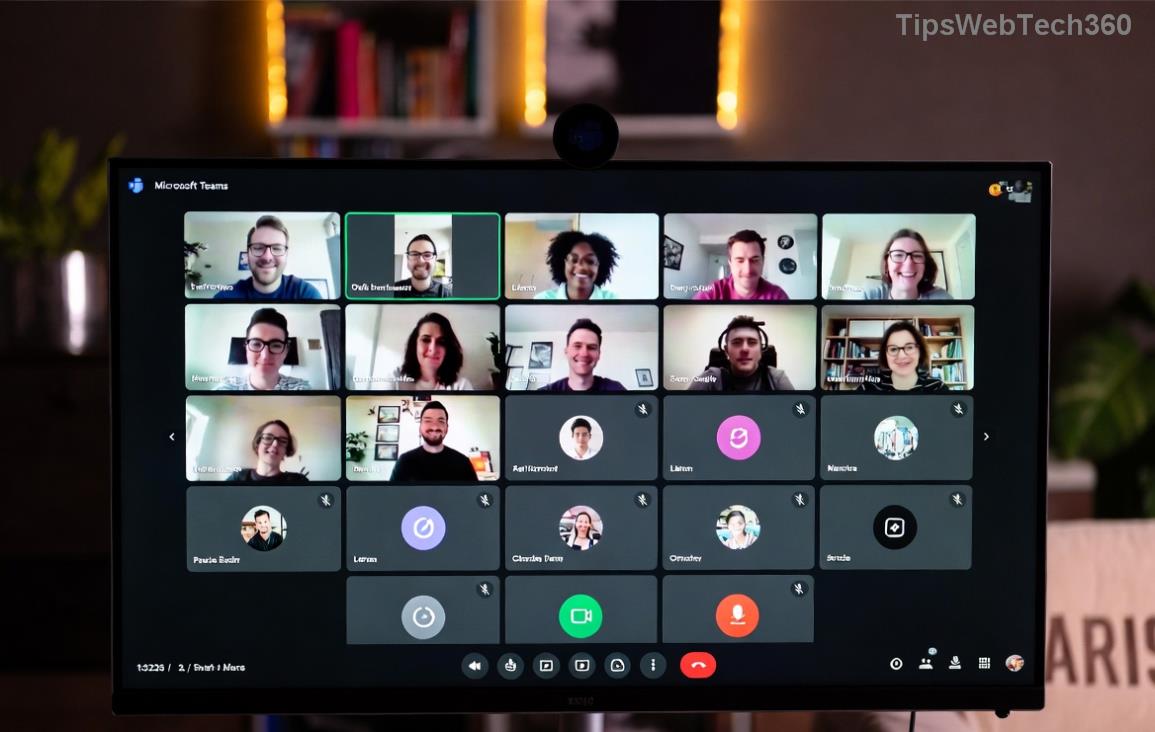
Screenshot showing how to remove Microsoft Teams account on Windows 11

Pro Tip: If the account lingers, restart Teams or your PC. For stubborn cases, check Windows Settings > Accounts > Email & accounts to unlink Microsoft profiles.

โญ How to Add and Change (Switch) to a New Microsoft Teams Account on Windows 11

Ready for your new account? Switching is seamlessโ€”Teams supports multiple profiles. Here's how:

  1. Sign In with New Credentials: In Teams, click your profile picture > "Add account". Enter your email (work, school, or personal Microsoft account).
  2. Authenticate: Follow promptsโ€”enter password, approve via app or SMS. Use MFA if enabled.
  3. Set as Primary: After signing in, go to profile dropdown. Drag the new account to the top or select "Use this account" to make it default.
  4. Switch Anytime: Profile menu lets you toggle accounts effortlessly. Notifications route correctly.
  5. Test It Out: Join a chat or meeting. Smooth sailing! ๐Ÿš€
Screenshot of adding and switching Microsoft Teams account on Windows 11

Want visual clarity? Compare methods in this quick table:

Action Steps Time
Remove Account Profile > Dots > Remove 30 seconds
Add/Switch Account Profile > Add > Sign In 1-2 minutes
Full Reset Uninstall/Reinstall via Settings 5 minutes

๐Ÿ”ง Troubleshooting: Common Microsoft Teams Account Issues on Windows 11

Stuck? Don't worryโ€”these fixes resolve 90% of problems:

  • Account Won't Remove: Clear Teams cache. Win + R > %appdata%\Microsoft\Teams > Delete contents > Relaunch. Official guide here.
  • Switch Fails: Update Teams via profile > Check for updates. Ensure Windows 11 is current (Settings > Update & Security).
  • Multiple Logins Loop: Sign out all accounts first, then add one-by-one.
  • Admin Restrictions: IT-managed? Contact your adminโ€”enterprise policies may limit changes.

If issues persist, reinstall: Settings > Apps > Microsoft Teams > Uninstall > Reinstall from Microsoft. Your chats sync via cloud. ๐Ÿ˜Š

Bonus: Pro Tips for Microsoft Teams on Windows 11

  • Keyboard Shortcuts: Ctrl + Shift + O for accounts menuโ€”speed demon!
  • Multiple Devices: Changes sync across PC, mobile, web.
  • Privacy Boost: After switching, review Settings > Privacy for notifications.

Wrap-Up: Own Your Teams Experience Now!

Congratsโ€”you've conquered how to remove and change a Microsoft Teams account on Windows 11! These steps work on the latest builds, saving you time and stress. Bookmark this, share with colleagues, and dive back into seamless collaboration. Got a tip? Drop it below. Stay productive! โญ

Leave a Comment

๐Ÿš€ Fix Microsoft Teams Proxy Error FAST: Ultimate Troubleshooting & Settings Guide

๐Ÿš€ Fix Microsoft Teams Proxy Error FAST: Ultimate Troubleshooting & Settings Guide

Stuck with Microsoft Teams Proxy Error? Follow this step-by-step troubleshooting guide to fix proxy settings, clear errors, and get Teams running smoothly in minutes. Proven fixes for latest versions.

๐Ÿš€ Fix Microsoft Teams OneDrive Error File Sync Instantly: Proven 2026 Solutions

๐Ÿš€ Fix Microsoft Teams OneDrive Error File Sync Instantly: Proven 2026 Solutions

Struggling with Microsoft Teams OneDrive Error during file sync? Discover step-by-step fixes for seamless collaboration. Solve OneDrive sync issues in Teams today with our ultimate guide.

๐Ÿšจ Microsoft Teams Welcome Error Startup Loop FIXED: 7 Proven Steps to Escape the Endless Cycle!

๐Ÿšจ Microsoft Teams Welcome Error Startup Loop FIXED: 7 Proven Steps to Escape the Endless Cycle!

Struggling with the frustrating Microsoft Teams "Welcome Error" startup loop? Discover step-by-step fixes that work in the latest updates. Clear cache, reset, reinstall & more โ€“ get back to seamless collaboration fast!

๐Ÿš€ Fix Microsoft Teams Error V in Latest Version: Proven Solutions That Work Instantly!

๐Ÿš€ Fix Microsoft Teams Error V in Latest Version: Proven Solutions That Work Instantly!

Tired of Microsoft Teams crashing with "Error V"? This ultimate guide reveals step-by-step fixes for Solving Microsoft Teams "Error V" Version issues in the latest updates. Quick, easy, and effective โ€“ get back to seamless collaboration!

๐Ÿš€ Instant Fix: Banish Microsoft Teams Games Plugin Error Forever!

๐Ÿš€ Instant Fix: Banish Microsoft Teams Games Plugin Error Forever!

Tired of the frustrating Microsoft Teams "Games" Plugin Error blocking your fun? Follow our proven, step-by-step guide to fix it quicklyโ€”no tech expertise needed. Get back to gaming in Teams today!

๐Ÿš€ Ultimate Guide: How to Remove & Switch Microsoft Teams Accounts on Windows 11 in Minutes

๐Ÿš€ Ultimate Guide: How to Remove & Switch Microsoft Teams Accounts on Windows 11 in Minutes

Master how to remove and change a Microsoft Teams account on Windows 11 with this foolproof, step-by-step guide. Fix account issues fast, switch seamlessly, and boost your productivity today!

๐Ÿšจ Microsoft Teams Down 2026? 7 Proven Fixes to Restore Service Instantly!

๐Ÿšจ Microsoft Teams Down 2026? 7 Proven Fixes to Restore Service Instantly!

Is Microsoft Teams showing "Down" server status in 2026? Discover step-by-step fixes for Microsoft Teams outages, from quick restarts to advanced troubleshooting. Get back online fast with our ultimate guide!

๐Ÿš€ Fix Microsoft Teams Shortcut Error Not Opening: Proven Solutions for Instant Access!

๐Ÿš€ Fix Microsoft Teams Shortcut Error Not Opening: Proven Solutions for Instant Access!

Struggling with Microsoft Teams "Shortcut Error" not opening? Discover step-by-step fixes to solve Microsoft Teams shortcut error, clear cache, reset app, and get back to seamless collaboration in minutes. Updated with the latest methods.

๐Ÿ”ง Instant Fix: How to Fix Microsoft Teams Error Code 500 in Under 5 Minutes!

๐Ÿ”ง Instant Fix: How to Fix Microsoft Teams Error Code 500 in Under 5 Minutes!

Tired of Microsoft Teams Error Code 500 crashing your meetings? Follow our step-by-step guide to fix Teams error 500 quickly with proven methods like cache clearing, updates, and network tweaks. Get back online now!

๐Ÿš€ Ultimate Fix: How to Fix Microsoft Teams Call Failed Error in 2026 โ€“ Proven Steps That Work Instantly!

๐Ÿš€ Ultimate Fix: How to Fix Microsoft Teams Call Failed Error in 2026 โ€“ Proven Steps That Work Instantly!

Struggling with Microsoft Teams "Call Failed" error in 2026? Discover proven, step-by-step fixes to get your calls working smoothly. Quick solutions for network issues, app glitches, and more โ€“ no tech skills needed!