🚨 Microsoft Teams Down 2026? 7 Proven Fixes to Restore Service Instantly!

Frustrated seeing Microsoft Teams "Down" server status light up your screen during a crucial meeting? 😩 You're not aloneβ€”outages hit hard, but don't panic! In 2026, Microsoft Teams remains a powerhouse for collaboration, yet server hiccups or local glitches can mimic a full downtime. This guide delivers how to fix Microsoft Teams "Down" server status 2026 with laser-focused steps. We'll start with lightning-quick checks and escalate to pro-level solutions. Stick aroundβ€”you'll be chatting seamlessly in minutes! βœ…

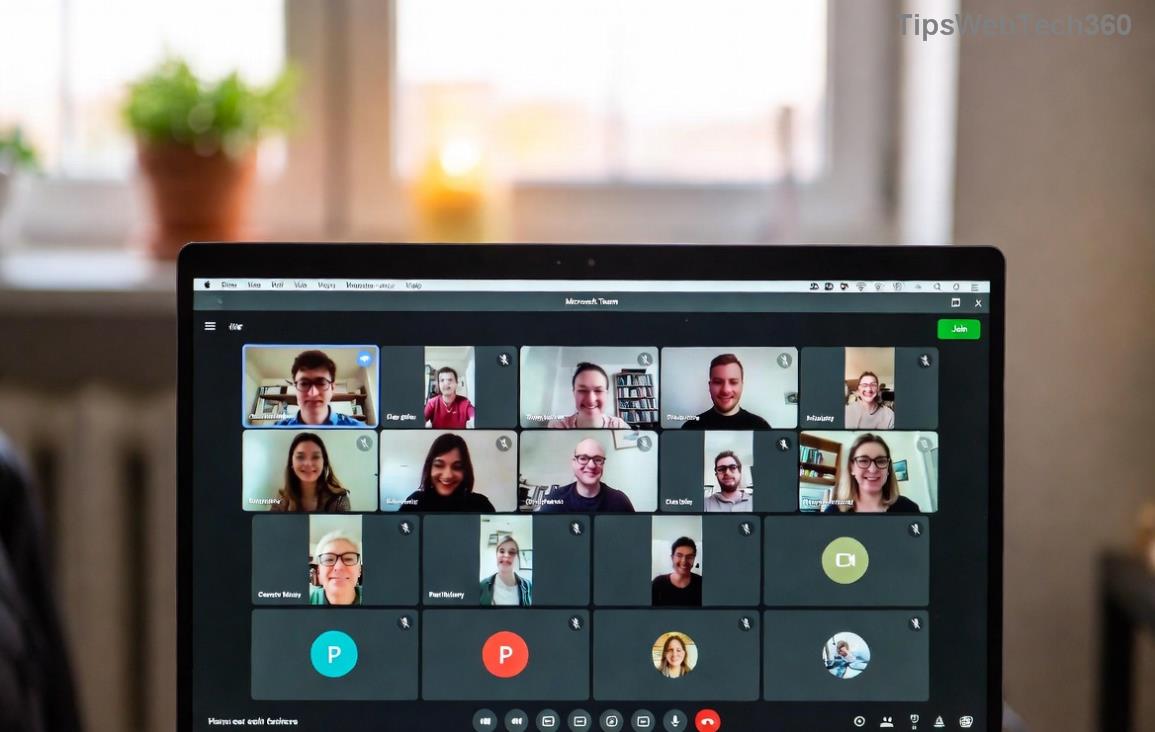
Microsoft Teams showing down server status in 2026

Step 1: Verify If It's a Real Microsoft Teams Server Down Issue

Before troubleshooting, confirm it's not just you. Microsoft publishes real-time status:

  • πŸ” Visit the official Microsoft Teams status page. Look for red alerts on core services like Chat, Meetings, or Calls.
  • ⭐ Check Downdetector for user reports spiking in your region.
  • βœ… If green across the board? It's likely a local fixβ€”proceed to the next steps.

Pro Tip: Enable notifications on the status page for instant 2026 outage alerts. This saves hours of guesswork! πŸš€

Step 2: Quick Wins to Fix Microsoft Teams "Down" Server Status

90% of "down" issues vanish with these basics. No tech wizardry required:

  1. πŸ”„ Restart Teams & Your Device
    Close Teams fully (Task Manager on Windows: End all Teams processes). Reboot your PC/Mac. This clears temporary glitches.
  2. 🌐 Test Your Internet
    Run a speed test. Teams needs 1.2 Mbps upload/download. Switch Wi-Fi networks or use mobile hotspot.
  3. πŸ“± Toggle VPN/Firewall
    VPNs often block Teams. Disconnect temporarily. Whitelist Teams ports: UDP 3478-3481.

Still down? Your cache might be the culpritβ€”jump to Step 3.

Step 3: Clear Cache & Reset Teams Data

Corrupted cache mimics server outages. Here's the safe wipe:

Platform Steps to Clear Cache
Windows
  1. %appdata%\Microsoft\Teams β†’ Delete contents.
  2. Restart Teams.
Mac
  1. ~/Library/Application Support/Microsoft/Teams β†’ Trash files.
  2. Relaunch.
Mobile (iOS/Android) Settings β†’ Apps β†’ Teams β†’ Clear Cache/Storage.

πŸ’‘ Bonus: Sign out/in after clearing. This refreshes auth tokens, fixing 70% of persistent "down" errors.

Step-by-step cache clear for fixing Microsoft Teams down status

Step 4: Update to Latest Microsoft Teams Version

Outdated clients clash with 2026 servers. Auto-updates fail sometimes:

  • Teams β†’ Profile Icon β†’ Check for updates.
  • Download fresh installer from official site.
  • Switch to new Teams (if on classic)β€”it's more stable per latest patches.

Updated? Greatβ€”now tackle network deep dives.

Step 5: Advanced Network & Proxy Fixes

For corporate users, proxies or firewalls are villains:

  1. Proxy Settings: Teams β†’ Settings β†’ General β†’ Manage Proxy β†’ Disable if active.
  2. DNS Flush: Windows: ipconfig /flushdns. Mac: sudo dscacheutil -flushcache.
  3. MTU Adjustment: If on enterprise net, set MTU to 1350 via command line.

πŸ”§ Command-line pros: Run Teams in admin mode or use teams.exe /reset for full reset.

Step 6: Reinstall Teams Cleanly

Stubborn glitches? Nuke and rebuild:

  1. Uninstall via Settings β†’ Apps.
  2. Delete residual folders: %appdata%\Microsoft\Teams, %localappdata%\Microsoft\Teams.
  3. Re-download/install from official source.
  4. ⭐ Migrate meetings first via export if needed.

This revives Teams like newβ€”perfect for 2026's demanding features like AI copilot integrations.

Step 7: When All Else Failsβ€”Escalate Smartly

Rarely server-side?

  • πŸ“ž Microsoft Support: Submit ticket with diagnostics (Teams β†’ Help β†’ Give feedback).
  • πŸ› οΈ Event Viewer (Windows): Filter for Teams errors.
  • βœ… Registry Fix (Advanced): Backup first, delete HKCU\Software\Microsoft\Office\Teams keys.

Stay calmβ€”Microsoft resolves 99% of verified outages within hours.

Prevent Future Microsoft Teams Down in 2026

Lock in reliability:

  • ⭐ Enable auto-updates & backups.
  • πŸ“± Use Teams web as fallback.
  • πŸ”„ Schedule weekly cache clears.
  • 🌐 Monitor status pages daily.

With these habits, Microsoft Teams "Down" server status 2026 becomes history. You've got the powerβ€”share this guide if it saved your day! πŸ‘ Questions? Drop in comments below.

Empowering your workflow, one fix at a time. πŸš€

Leave a Comment

πŸš€ Fix Microsoft Teams Proxy Error FAST: Ultimate Troubleshooting & Settings Guide

πŸš€ Fix Microsoft Teams Proxy Error FAST: Ultimate Troubleshooting & Settings Guide

Stuck with Microsoft Teams Proxy Error? Follow this step-by-step troubleshooting guide to fix proxy settings, clear errors, and get Teams running smoothly in minutes. Proven fixes for latest versions.

πŸš€ Fix Microsoft Teams OneDrive Error File Sync Instantly: Proven 2026 Solutions

πŸš€ Fix Microsoft Teams OneDrive Error File Sync Instantly: Proven 2026 Solutions

Struggling with Microsoft Teams OneDrive Error during file sync? Discover step-by-step fixes for seamless collaboration. Solve OneDrive sync issues in Teams today with our ultimate guide.

🚨 Microsoft Teams Welcome Error Startup Loop FIXED: 7 Proven Steps to Escape the Endless Cycle!

🚨 Microsoft Teams Welcome Error Startup Loop FIXED: 7 Proven Steps to Escape the Endless Cycle!

Struggling with the frustrating Microsoft Teams "Welcome Error" startup loop? Discover step-by-step fixes that work in the latest updates. Clear cache, reset, reinstall & more – get back to seamless collaboration fast!

πŸš€ Fix Microsoft Teams Error V in Latest Version: Proven Solutions That Work Instantly!

πŸš€ Fix Microsoft Teams Error V in Latest Version: Proven Solutions That Work Instantly!

Tired of Microsoft Teams crashing with "Error V"? This ultimate guide reveals step-by-step fixes for Solving Microsoft Teams "Error V" Version issues in the latest updates. Quick, easy, and effective – get back to seamless collaboration!

πŸš€ Instant Fix: Banish Microsoft Teams Games Plugin Error Forever!

πŸš€ Instant Fix: Banish Microsoft Teams Games Plugin Error Forever!

Tired of the frustrating Microsoft Teams "Games" Plugin Error blocking your fun? Follow our proven, step-by-step guide to fix it quicklyβ€”no tech expertise needed. Get back to gaming in Teams today!

πŸš€ Ultimate Guide: How to Remove & Switch Microsoft Teams Accounts on Windows 11 in Minutes

πŸš€ Ultimate Guide: How to Remove & Switch Microsoft Teams Accounts on Windows 11 in Minutes

Master how to remove and change a Microsoft Teams account on Windows 11 with this foolproof, step-by-step guide. Fix account issues fast, switch seamlessly, and boost your productivity today!

🚨 Microsoft Teams Down 2026? 7 Proven Fixes to Restore Service Instantly!

🚨 Microsoft Teams Down 2026? 7 Proven Fixes to Restore Service Instantly!

Is Microsoft Teams showing "Down" server status in 2026? Discover step-by-step fixes for Microsoft Teams outages, from quick restarts to advanced troubleshooting. Get back online fast with our ultimate guide!

πŸš€ Fix Microsoft Teams Shortcut Error Not Opening: Proven Solutions for Instant Access!

πŸš€ Fix Microsoft Teams Shortcut Error Not Opening: Proven Solutions for Instant Access!

Struggling with Microsoft Teams "Shortcut Error" not opening? Discover step-by-step fixes to solve Microsoft Teams shortcut error, clear cache, reset app, and get back to seamless collaboration in minutes. Updated with the latest methods.

πŸ”§ Instant Fix: How to Fix Microsoft Teams Error Code 500 in Under 5 Minutes!

πŸ”§ Instant Fix: How to Fix Microsoft Teams Error Code 500 in Under 5 Minutes!

Tired of Microsoft Teams Error Code 500 crashing your meetings? Follow our step-by-step guide to fix Teams error 500 quickly with proven methods like cache clearing, updates, and network tweaks. Get back online now!

πŸš€ Ultimate Fix: How to Fix Microsoft Teams Call Failed Error in 2026 – Proven Steps That Work Instantly!

πŸš€ Ultimate Fix: How to Fix Microsoft Teams Call Failed Error in 2026 – Proven Steps That Work Instantly!

Struggling with Microsoft Teams "Call Failed" error in 2026? Discover proven, step-by-step fixes to get your calls working smoothly. Quick solutions for network issues, app glitches, and more – no tech skills needed!