πŸš€ Fix Microsoft Teams For PC Download Error: Proven Solutions That Work Instantly!

Encountering the frustrating Microsoft Teams "For PC" download error? You're not alone! 😊 This common issue can halt your productivity, but don't worryβ€”our straightforward guide will get you back to seamless collaboration in minutes. Whether it's a stalled download, corrupted file, or compatibility snag, these tested fixes work on the latest Windows versions.
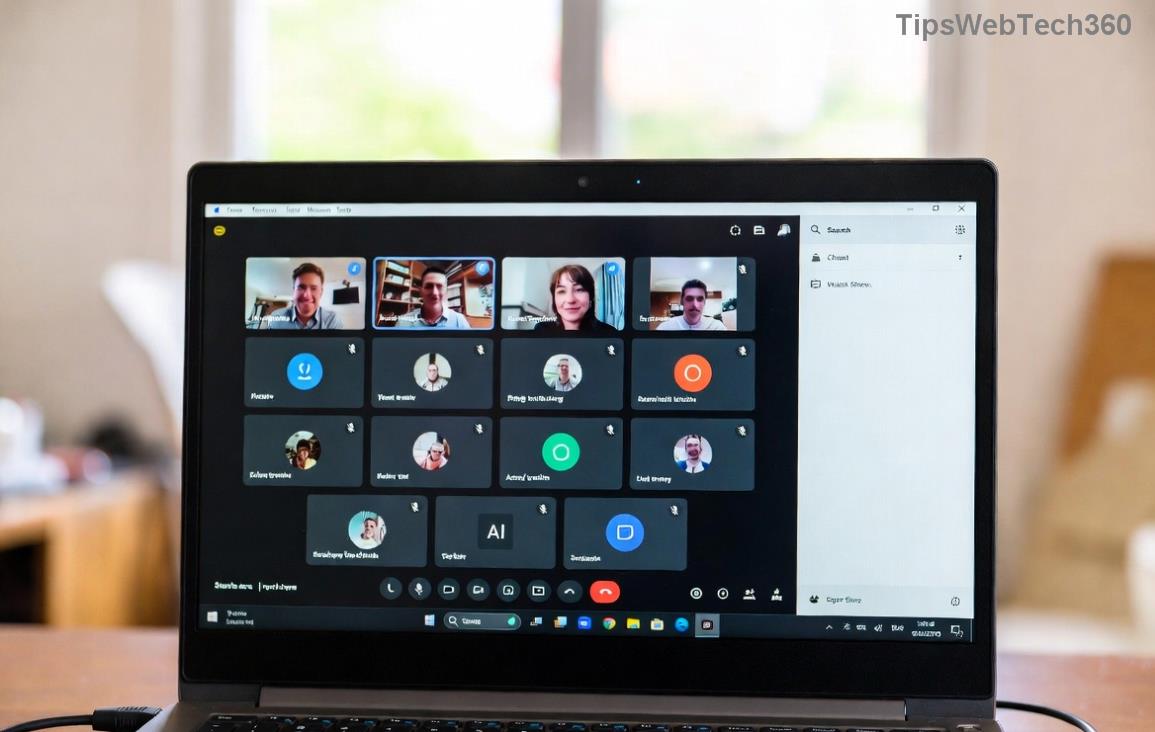
Screenshot of Microsoft Teams For PC download error message

Why Does the Microsoft Teams "For PC" Download Error Happen? ⭐

Quick rundown of top culprits:

  • πŸ”΄ Unstable internet or firewall blocks.
  • πŸ”΄ Corrupted browser cache or temp files.
  • πŸ”΄ Antivirus interference during download.
  • πŸ”΄ Outdated Windows or mismatched system architecture (32-bit vs 64-bit).
  • πŸ”΄ Server-side glitches from Microsoft's end (rare but possible).

Ready to dive in? Follow these prioritized stepsβ€”start from the top for quickest wins! πŸ‘†

Method 1: Basic Checks & Retry Download (Fastest Fix) ⚑

  1. Verify your internet: Run a speed test. Switch to a wired connection if on Wi-Fi.
  2. Direct download from official source: Head to the Microsoft Teams download page and grab the latest Teams for PC installer (MSI or EXE).
  3. Disable VPN/proxy: Turn them off temporarilyβ€”they often block downloads.
  4. Hit download again. Success? πŸŽ‰ You're done!

If it persists, move to cache clearingβ€”it's a game-changer for 70% of users.

Method 2: Clear Browser & System Cache 🧹

Stale data loves causing Microsoft Teams download errors. Here's how to wipe it:

Step Action (Chrome/Edge) Windows System Cache
1 Ctrl+Shift+Delete β†’ Clear "Cached images/files" (All time) Win+R β†’ %temp% β†’ Delete all files
2 Restart browser β†’ Retry download Win+R β†’ temp β†’ Delete contents
3 Incognito mode test Disk Cleanup (search in Start menu)
Clearing cache to fix Microsoft Teams download error

Pro tip: Use Edge for Microsoft productsβ€”it's optimized! 😎

Method 3: Bypass Antivirus & Firewall Barriers πŸ›‘οΈ

  1. Temporarily disable real-time protection:
    • Windows Defender: Settings β†’ Update & Security β†’ Virus & threat protection β†’ Manage settings β†’ Off.
    • Third-party (Norton/McAfee): Pause for 15 mins.
  2. Add exception: Whitelist teamsbootstrapper.exe or the download URL in your AV/firewall.
  3. Run as admin: Right-click installer β†’ "Run as administrator."
  4. Redownload and install. Re-enable security after! πŸ”’

Still stuck? Time for Windows troubleshooter magic.

Method 4: Leverage Built-in Windows Tools πŸ”§

Microsoft's own fixes are gold:

  1. Program Install/Uninstall Troubleshooter: Download from Microsoft Support. Run β†’ Select Teams β†’ Next.
  2. Windows Update check: Settings β†’ Update & Security β†’ Check for updates. Install any pending ones.
  3. SFC Scan: Admin Command Prompt β†’ sfc /scannow β†’ Restart.
  4. Reset Windows Store Cache: Admin PowerShell β†’ wsreset.exe.
Running Windows troubleshooter for Teams download fix

Method 5: Advanced Reinstall & Clean Slate πŸ†•

For stubborn cases:

  1. Uninstall old Teams: Settings β†’ Apps β†’ Microsoft Teams β†’ Uninstall (all versions).
  2. Delete remnants: %appdata%\Microsoft\Teams β†’ Delete folders.
  3. Download fresh installer from official site.
  4. Install in compatibility mode: Right-click EXE β†’ Properties β†’ Compatibility β†’ Windows 10.
  5. Restart PC β†’ Launch Teams. Smooth sailing! πŸš€

Bonus Tips to Prevent Future Microsoft Teams "For PC" Download Errors πŸ’‘

  • ⭐ Always download from teams.microsoft.com.
  • ⭐ Keep Windows updated automatically.
  • ⭐ Use 64-bit version for modern PCs.
  • ⭐ Test on another browser/device to isolate issues.

Congratsβ€”you've conquered the Microsoft Teams "For PC" download error! πŸ‘ If issues linger, drop a comment below or check Microsoft's Teams troubleshooting hub. Stay connected and productive! 🌟


Leave a Comment

πŸš€ Fix Microsoft Teams Error Q QSP Instantly: Proven 2026 Steps That Work!

πŸš€ Fix Microsoft Teams Error Q QSP Instantly: Proven 2026 Steps That Work!

Stuck with Microsoft Teams "Error Q" QSP? Discover simple, step-by-step fixes to resolve this frustrating issue quickly. Clear cache, update, and more for seamless teamwork. Works on Windows, Mac & web. Get back online now!

πŸš€ Ultimate Fix: How to Fix Microsoft Teams Error W Web in Under 5 Minutes!

πŸš€ Ultimate Fix: How to Fix Microsoft Teams Error W Web in Under 5 Minutes!

Tired of Microsoft Teams "Error W" crashing your web sessions? Follow our proven, step-by-step guide to fix it fastβ€”clear cache, troubleshoot browsers, and restore seamless collaboration. Latest solutions inside!

πŸš€ Fix Microsoft Teams Proxy Error FAST: Ultimate Troubleshooting & Settings Guide

πŸš€ Fix Microsoft Teams Proxy Error FAST: Ultimate Troubleshooting & Settings Guide

Stuck with Microsoft Teams Proxy Error? Follow this step-by-step troubleshooting guide to fix proxy settings, clear errors, and get Teams running smoothly in minutes. Proven fixes for latest versions.

πŸš€ Fix Microsoft Teams OneDrive Error File Sync Instantly: Proven 2026 Solutions

πŸš€ Fix Microsoft Teams OneDrive Error File Sync Instantly: Proven 2026 Solutions

Struggling with Microsoft Teams OneDrive Error during file sync? Discover step-by-step fixes for seamless collaboration. Solve OneDrive sync issues in Teams today with our ultimate guide.

🚨 Microsoft Teams Welcome Error Startup Loop FIXED: 7 Proven Steps to Escape the Endless Cycle!

🚨 Microsoft Teams Welcome Error Startup Loop FIXED: 7 Proven Steps to Escape the Endless Cycle!

Struggling with the frustrating Microsoft Teams "Welcome Error" startup loop? Discover step-by-step fixes that work in the latest updates. Clear cache, reset, reinstall & more – get back to seamless collaboration fast!

πŸš€ Fix Microsoft Teams Error V in Latest Version: Proven Solutions That Work Instantly!

πŸš€ Fix Microsoft Teams Error V in Latest Version: Proven Solutions That Work Instantly!

Tired of Microsoft Teams crashing with "Error V"? This ultimate guide reveals step-by-step fixes for Solving Microsoft Teams "Error V" Version issues in the latest updates. Quick, easy, and effective – get back to seamless collaboration!

πŸš€ Instant Fix: Banish Microsoft Teams Games Plugin Error Forever!

πŸš€ Instant Fix: Banish Microsoft Teams Games Plugin Error Forever!

Tired of the frustrating Microsoft Teams "Games" Plugin Error blocking your fun? Follow our proven, step-by-step guide to fix it quicklyβ€”no tech expertise needed. Get back to gaming in Teams today!

πŸš€ Ultimate Guide: How to Remove & Switch Microsoft Teams Accounts on Windows 11 in Minutes

πŸš€ Ultimate Guide: How to Remove & Switch Microsoft Teams Accounts on Windows 11 in Minutes

Master how to remove and change a Microsoft Teams account on Windows 11 with this foolproof, step-by-step guide. Fix account issues fast, switch seamlessly, and boost your productivity today!

🚨 Microsoft Teams Down 2026? 7 Proven Fixes to Restore Service Instantly!

🚨 Microsoft Teams Down 2026? 7 Proven Fixes to Restore Service Instantly!

Is Microsoft Teams showing "Down" server status in 2026? Discover step-by-step fixes for Microsoft Teams outages, from quick restarts to advanced troubleshooting. Get back online fast with our ultimate guide!

πŸš€ Fix Microsoft Teams Shortcut Error Not Opening: Proven Solutions for Instant Access!

πŸš€ Fix Microsoft Teams Shortcut Error Not Opening: Proven Solutions for Instant Access!

Struggling with Microsoft Teams "Shortcut Error" not opening? Discover step-by-step fixes to solve Microsoft Teams shortcut error, clear cache, reset app, and get back to seamless collaboration in minutes. Updated with the latest methods.