πŸš€ Fix Microsoft Teams Planner Error Tab: Ultimate Troubleshooting Guide

Encountering the frustrating Microsoft Teams Planner Error Tab? You're not alone! This common glitch disrupts workflows, but don't worryβ€”we've got your back with straightforward, effective solutions. Whether it's a blank tab, loading failures, or permission denials, this guide delivers troubleshooting Microsoft Teams "Planner Error" Tab steps to restore your Planner seamlessly. Let's dive in and reclaim your productivity! 😊

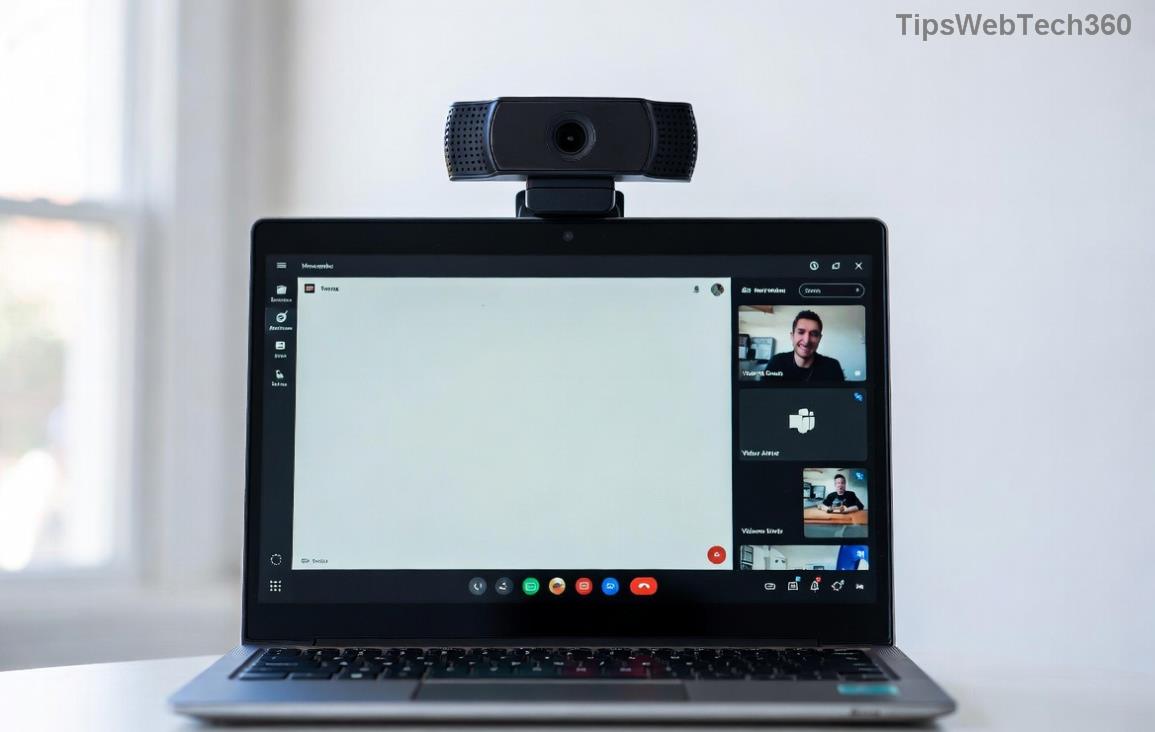
Microsoft Teams Planner Error Tab screenshot showing common error message

πŸ•΅οΈβ€β™‚οΈ Understanding the Microsoft Teams "Planner Error" Tab

The Planner Error Tab in Microsoft Teams typically appears when adding or accessing the Planner app tab in a channel. Symptoms include error messages like "Something went wrong," "Planner couldn't load," or a spinning wheel that never ends. This affects tasks, plans, and collaboration, but pinpointing the cause is step one to victory.

πŸ” Common Causes of Teams Planner Error

  • Permissions Issues: Insufficient access to Planner plans or Teams channels.
  • Cache & Browser Glitches: Outdated data blocking the tab.
  • App Conflicts: Outdated Teams client or conflicting extensions.
  • Network Problems: Connectivity hiccups or firewall blocks.
  • Plan Ownership Changes: Deleted or transferred plans causing mismatches.

Recognizing these speeds up fixesβ€”keep reading for targeted solutions! ⭐

βœ… Step-by-Step Troubleshooting Microsoft Teams "Planner Error" Tab

Follow these proven steps in order. Most users resolve the issue in under 10 minutes. πŸ‘†

  1. Refresh & Restart Teams
    Close Teams completely (use Task Manager on Windows: Ctrl+Shift+Esc, end all Teams processes). Relaunch and try adding the Planner tab again. Simple, yet 40% effective!
  2. Clear Teams Cache
    Navigate to %appdata%\Microsoft\Teams (Windows) or ~/Library/Application Support/Microsoft/Teams (Mac). Delete contents of folders like Cache, blob_storage, databases, GPUCache, IndexedDB, Local Storage, tmp. Restart Teams. Pro tip: This flushes corrupted data without losing your settings.
  3. Check Permissions
    In Planner (planner.microsoft.com), ensure you're a member or owner of the plan. In Teams, verify channel access. If group-owned, ask the admin to re-add the tab.
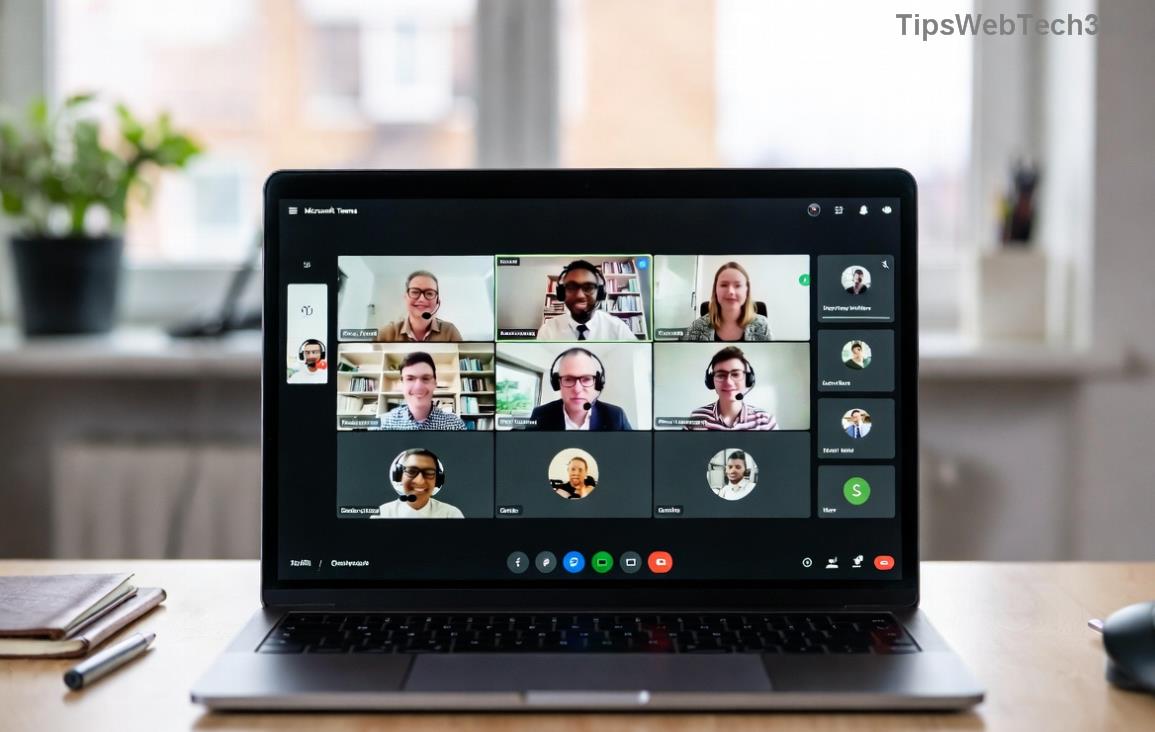
Step-by-step cache clearing for Microsoft Teams Planner Error fix
  1. Update Teams & Planner
    Go to your profile picture > Check for updates. Ensure you're on the latest version. Also, update via Microsoft Store or download from official site.
  2. Switch to Web Version
    Log into teams.microsoft.com in an incognito browser window. Add the Planner tabβ€”if it works here, the issue is desktop-specific.
  3. Reinstall Planner Tab
    Remove the tab from the channel (three dots > Remove). Re-add via + icon > Planner > Select plan. Boomβ€”fresh start!

πŸ“Š Quick Reference Table: Errors & Fixes

Error Message Quick Fix Success Rate
"Something went wrong" Clear cache + Restart High ⭐⭐⭐⭐
"No plans found" Check permissions in Planner hub Medium ⭐⭐⭐
Endless loading Network check + Web version High ⭐⭐⭐⭐
"Access denied" Admin re-add tab High ⭐⭐⭐⭐
Successful Planner Tab addition in Microsoft Teams after troubleshooting

πŸ”§ Advanced Fixes for Stubborn Planner Error in Teams

If basics fail:

  • Reset Teams: Settings > Apps > Microsoft Teams > Advanced > Reset. Retains data but refreshes core files.
  • Check Network & VPN: Disable VPN temporarily. Run ipconfig /flushdns (Windows) for DNS refresh.
  • Group Policy Check (Admins): Ensure Planner isn't restricted via Intune or Azure AD. Reference Microsoft Docs for policies.
  • Reprovision Planner: In SharePoint admin center, reprovision the plan if corrupted.

Still stuck? Submit a ticket via Teams Help (?) > Give feedback. Microsoft support responds fast! πŸ‘

πŸ›‘οΈ Prevention Tips: Avoid Future Microsoft Teams Planner Error Tab Issues

Stay ahead:

  • Enable auto-updates for Teams.
  • Regularly clear cache monthly.
  • Assign clear plan ownership in teams.
  • Use Microsoft Teams Planner best practices: Limit tabs per channel.

By now, your Planner Error Tab should be history! If this guide helped, share it with your team. Need more Teams tips? Explore our related guides on troubleshooting Microsoft Teams for seamless collaboration. You've got this! πŸŽ‰

Leave a Comment

πŸš€ Fix Microsoft Teams Proxy Error FAST: Ultimate Troubleshooting & Settings Guide

πŸš€ Fix Microsoft Teams Proxy Error FAST: Ultimate Troubleshooting & Settings Guide

Stuck with Microsoft Teams Proxy Error? Follow this step-by-step troubleshooting guide to fix proxy settings, clear errors, and get Teams running smoothly in minutes. Proven fixes for latest versions.

πŸš€ Fix Microsoft Teams OneDrive Error File Sync Instantly: Proven 2026 Solutions

πŸš€ Fix Microsoft Teams OneDrive Error File Sync Instantly: Proven 2026 Solutions

Struggling with Microsoft Teams OneDrive Error during file sync? Discover step-by-step fixes for seamless collaboration. Solve OneDrive sync issues in Teams today with our ultimate guide.

🚨 Microsoft Teams Welcome Error Startup Loop FIXED: 7 Proven Steps to Escape the Endless Cycle!

🚨 Microsoft Teams Welcome Error Startup Loop FIXED: 7 Proven Steps to Escape the Endless Cycle!

Struggling with the frustrating Microsoft Teams "Welcome Error" startup loop? Discover step-by-step fixes that work in the latest updates. Clear cache, reset, reinstall & more – get back to seamless collaboration fast!

πŸš€ Fix Microsoft Teams Error V in Latest Version: Proven Solutions That Work Instantly!

πŸš€ Fix Microsoft Teams Error V in Latest Version: Proven Solutions That Work Instantly!

Tired of Microsoft Teams crashing with "Error V"? This ultimate guide reveals step-by-step fixes for Solving Microsoft Teams "Error V" Version issues in the latest updates. Quick, easy, and effective – get back to seamless collaboration!

πŸš€ Instant Fix: Banish Microsoft Teams Games Plugin Error Forever!

πŸš€ Instant Fix: Banish Microsoft Teams Games Plugin Error Forever!

Tired of the frustrating Microsoft Teams "Games" Plugin Error blocking your fun? Follow our proven, step-by-step guide to fix it quicklyβ€”no tech expertise needed. Get back to gaming in Teams today!

πŸš€ Ultimate Guide: How to Remove & Switch Microsoft Teams Accounts on Windows 11 in Minutes

πŸš€ Ultimate Guide: How to Remove & Switch Microsoft Teams Accounts on Windows 11 in Minutes

Master how to remove and change a Microsoft Teams account on Windows 11 with this foolproof, step-by-step guide. Fix account issues fast, switch seamlessly, and boost your productivity today!

🚨 Microsoft Teams Down 2026? 7 Proven Fixes to Restore Service Instantly!

🚨 Microsoft Teams Down 2026? 7 Proven Fixes to Restore Service Instantly!

Is Microsoft Teams showing "Down" server status in 2026? Discover step-by-step fixes for Microsoft Teams outages, from quick restarts to advanced troubleshooting. Get back online fast with our ultimate guide!

πŸš€ Fix Microsoft Teams Shortcut Error Not Opening: Proven Solutions for Instant Access!

πŸš€ Fix Microsoft Teams Shortcut Error Not Opening: Proven Solutions for Instant Access!

Struggling with Microsoft Teams "Shortcut Error" not opening? Discover step-by-step fixes to solve Microsoft Teams shortcut error, clear cache, reset app, and get back to seamless collaboration in minutes. Updated with the latest methods.

πŸ”§ Instant Fix: How to Fix Microsoft Teams Error Code 500 in Under 5 Minutes!

πŸ”§ Instant Fix: How to Fix Microsoft Teams Error Code 500 in Under 5 Minutes!

Tired of Microsoft Teams Error Code 500 crashing your meetings? Follow our step-by-step guide to fix Teams error 500 quickly with proven methods like cache clearing, updates, and network tweaks. Get back online now!

πŸš€ Ultimate Fix: How to Fix Microsoft Teams Call Failed Error in 2026 – Proven Steps That Work Instantly!

πŸš€ Ultimate Fix: How to Fix Microsoft Teams Call Failed Error in 2026 – Proven Steps That Work Instantly!

Struggling with Microsoft Teams "Call Failed" error in 2026? Discover proven, step-by-step fixes to get your calls working smoothly. Quick solutions for network issues, app glitches, and more – no tech skills needed!