πŸš€ Fix Microsoft Teams Unexpected Error on Startup: 5 Proven Steps That Work Instantly!

Imagine firing up your day with a Microsoft Teams "Unexpected Error" on startup – that dreaded message blocking your meetings, chats, and productivity. 😩 You're not alone; millions face this glitch. But here's the good news: solving Microsoft Teams "Unexpected Error" on startup is simpler than you think. In this guide, we'll walk you through proven, up-to-date fixes that restore Teams in minutes. Stick around – by the end, you'll be video-calling like a pro! βœ…

Why Does the Microsoft Teams "Unexpected Error" on Startup Happen?

Before diving into fixes, understanding the culprits helps you prevent repeats. Common triggers include:

  • πŸ”’ Corrupted Teams cache or temporary files from frequent use.
  • βš™οΈ Outdated app versions or conflicting Windows updates.
  • πŸ›‘οΈ Antivirus software blocking Teams processes.
  • πŸ‘€ Damaged user profile data in Teams.
  • πŸ’» Insufficient permissions or third-party app interference.

Spot on? Let's jump straight to the solutions. We'll start with the easiest – no reinstalls needed yet!
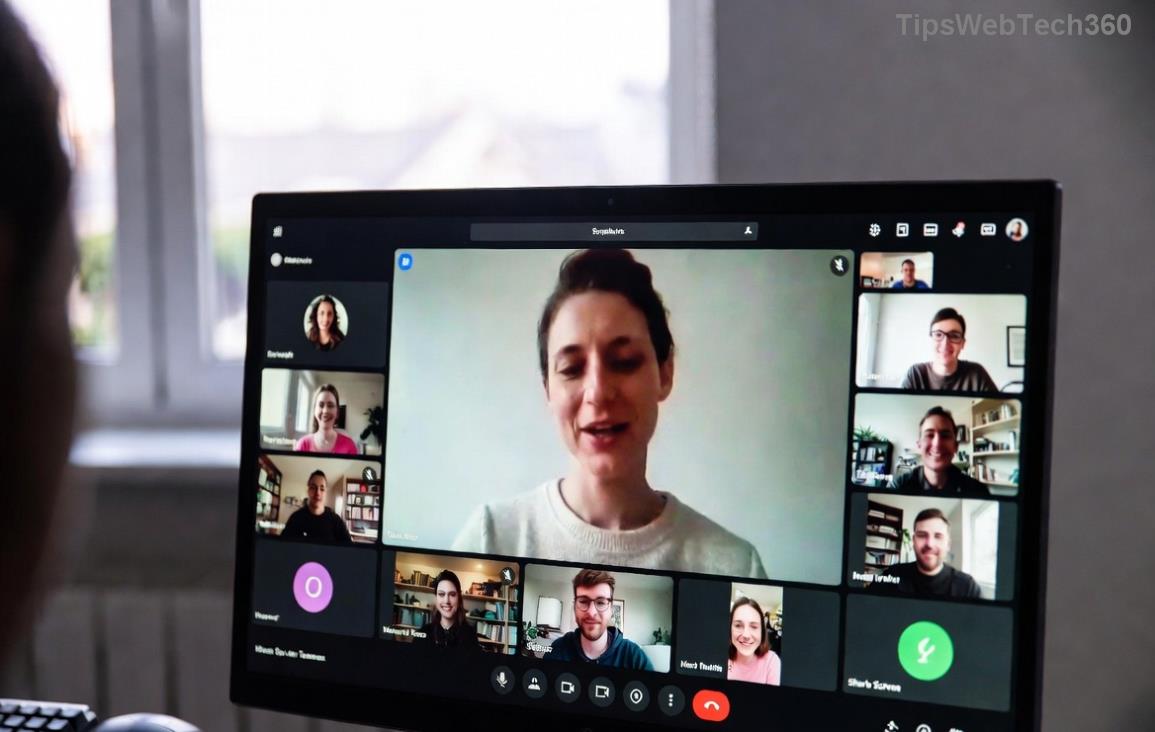
Microsoft Teams unexpected error on startup screenshot

1️⃣ Quick Fix: Clear Teams Cache (Works 80% of the Time!)

The #1 hero for solving Microsoft Teams "Unexpected Error" on startup? Wiping the cache. It's like giving Teams a fresh brain. Here's how:

  1. Close Teams completely (use Task Manager: Ctrl + Shift + Esc, end all "Teams.exe" tasks).
  2. Press Win + R, type %appdata%\Microsoft\Teams, hit Enter.
  3. Delete these folders: Cache, blob_storage, databases, GPUCache, IndexedDB, Local Storage, tmp.
  4. Restart your PC and launch Teams. πŸŽ‰

Done in under 2 minutes. If it persists, onward!

2️⃣ Reset Teams Settings Without Losing Data

Next up: A soft reset clears glitches while keeping your chats intact.

  1. Open Windows Settings (Win + I) > Apps > Installed Apps.
  2. Search "Microsoft Teams", click the three dots > Advanced options.
  3. Hit Reset. Confirm and wait 1-2 minutes.
  4. Reopen Teams – error gone? High-five! βœ‹

This targets config files often causing the Teams startup error.

3️⃣ Reinstall Microsoft Teams Fresh (Nuclear Option That's Super Effective)

If basics fail, a clean reinstall nukes deep-rooted issues. Pro tip: Uninstall fully first.

Method Steps Time Difficulty
Uninstall Settings > Apps > Teams > Uninstall. Delete %appdata%\Microsoft\Teams folder. 3 mins Easy ⭐
Reinstall Download latest from official site. Run installer. 5 mins Easy ⭐
Verify Sign in – test startup. Smooth sailing! 1 min Easy ⭐
Step-by-step reinstall Microsoft Teams to fix unexpected error

Bonus: For machine-wide installs (common in offices), run TeamsMachineInstaller.exe with admin rights.

4️⃣ Advanced Troubleshooting for Stubborn Errors

Still stuck? Level up:

  • Update Everything: Check Windows Update and Teams version via profile menu.
  • πŸ›‘οΈ Antivirus Check: Temporarily disable (e.g., Windows Defender) and test. Whitelist Teams.exe.
  • πŸ”‘ Run as Admin: Right-click Teams shortcut > Run as administrator.
  • πŸ‘₯ New User Profile: Create a test Windows account. If Teams works, migrate data.
  • πŸ“± Web Version Fallback: Use teams.microsoft.com in browser while fixing.

For enterprise users, check IT policies via Group Policy Editor (gpedit.msc).

5️⃣ Prevent Microsoft Teams "Unexpected Error" on Startup Forever

Victory tastes sweet – now lock it in:

  • ⭐ Schedule weekly cache clears (use Task Scheduler script).
  • βœ… Keep auto-updates on in Teams settings.
  • πŸš€ Avoid beta features unless needed.
  • πŸ’Ύ Free up disk space – low storage loves errors.

Pro users: Enable logging (Teams > About Teams > Download logs) for future diagnostics. Share feedback with Microsoft for faster global fixes.

Final Thoughts: Teams Back Online? You're a Hero! πŸ†

Congrats on conquering the Microsoft Teams "Unexpected Error" on startup! Most users fix it with steps 1-2. If issues linger (rare), hit up Microsoft Support. Drop a comment below: Which fix worked for you? Let's help others. Smooth collaborating ahead! πŸš€

Leave a Comment

πŸš€ Fix Microsoft Teams Error Q QSP Instantly: Proven 2026 Steps That Work!

πŸš€ Fix Microsoft Teams Error Q QSP Instantly: Proven 2026 Steps That Work!

Stuck with Microsoft Teams "Error Q" QSP? Discover simple, step-by-step fixes to resolve this frustrating issue quickly. Clear cache, update, and more for seamless teamwork. Works on Windows, Mac & web. Get back online now!

πŸš€ Ultimate Fix: How to Fix Microsoft Teams Error W Web in Under 5 Minutes!

πŸš€ Ultimate Fix: How to Fix Microsoft Teams Error W Web in Under 5 Minutes!

Tired of Microsoft Teams "Error W" crashing your web sessions? Follow our proven, step-by-step guide to fix it fastβ€”clear cache, troubleshoot browsers, and restore seamless collaboration. Latest solutions inside!

πŸš€ Fix Microsoft Teams Proxy Error FAST: Ultimate Troubleshooting & Settings Guide

πŸš€ Fix Microsoft Teams Proxy Error FAST: Ultimate Troubleshooting & Settings Guide

Stuck with Microsoft Teams Proxy Error? Follow this step-by-step troubleshooting guide to fix proxy settings, clear errors, and get Teams running smoothly in minutes. Proven fixes for latest versions.

πŸš€ Fix Microsoft Teams OneDrive Error File Sync Instantly: Proven 2026 Solutions

πŸš€ Fix Microsoft Teams OneDrive Error File Sync Instantly: Proven 2026 Solutions

Struggling with Microsoft Teams OneDrive Error during file sync? Discover step-by-step fixes for seamless collaboration. Solve OneDrive sync issues in Teams today with our ultimate guide.

🚨 Microsoft Teams Welcome Error Startup Loop FIXED: 7 Proven Steps to Escape the Endless Cycle!

🚨 Microsoft Teams Welcome Error Startup Loop FIXED: 7 Proven Steps to Escape the Endless Cycle!

Struggling with the frustrating Microsoft Teams "Welcome Error" startup loop? Discover step-by-step fixes that work in the latest updates. Clear cache, reset, reinstall & more – get back to seamless collaboration fast!

πŸš€ Fix Microsoft Teams Error V in Latest Version: Proven Solutions That Work Instantly!

πŸš€ Fix Microsoft Teams Error V in Latest Version: Proven Solutions That Work Instantly!

Tired of Microsoft Teams crashing with "Error V"? This ultimate guide reveals step-by-step fixes for Solving Microsoft Teams "Error V" Version issues in the latest updates. Quick, easy, and effective – get back to seamless collaboration!

πŸš€ Instant Fix: Banish Microsoft Teams Games Plugin Error Forever!

πŸš€ Instant Fix: Banish Microsoft Teams Games Plugin Error Forever!

Tired of the frustrating Microsoft Teams "Games" Plugin Error blocking your fun? Follow our proven, step-by-step guide to fix it quicklyβ€”no tech expertise needed. Get back to gaming in Teams today!

πŸš€ Ultimate Guide: How to Remove & Switch Microsoft Teams Accounts on Windows 11 in Minutes

πŸš€ Ultimate Guide: How to Remove & Switch Microsoft Teams Accounts on Windows 11 in Minutes

Master how to remove and change a Microsoft Teams account on Windows 11 with this foolproof, step-by-step guide. Fix account issues fast, switch seamlessly, and boost your productivity today!

🚨 Microsoft Teams Down 2026? 7 Proven Fixes to Restore Service Instantly!

🚨 Microsoft Teams Down 2026? 7 Proven Fixes to Restore Service Instantly!

Is Microsoft Teams showing "Down" server status in 2026? Discover step-by-step fixes for Microsoft Teams outages, from quick restarts to advanced troubleshooting. Get back online fast with our ultimate guide!

πŸš€ Fix Microsoft Teams Shortcut Error Not Opening: Proven Solutions for Instant Access!

πŸš€ Fix Microsoft Teams Shortcut Error Not Opening: Proven Solutions for Instant Access!

Struggling with Microsoft Teams "Shortcut Error" not opening? Discover step-by-step fixes to solve Microsoft Teams shortcut error, clear cache, reset app, and get back to seamless collaboration in minutes. Updated with the latest methods.