πŸš€ Fix Microsoft Teams Video Call Errors in Minutes: Ultimate 2026 Troubleshooting Guide

Encountering a frustrating Microsoft Teams video call error mid-meeting? You're not aloneβ€”issues like black screens, "camera not found," or frozen feeds plague millions of users. But don't worry! 😊 This concise guide delivers proven troubleshooting steps to get your video back online fast. We'll cover common culprits and fixes, so you can dive straight into seamless collaboration.

πŸ” Common Microsoft Teams Video Call Errors and Their Signs

Spot the problem quickly to fix it faster. Here's a handy table of top Teams video issues:

Error Type Symptoms Quick Clue
Black or Blank Screen No video feed; others see you fine πŸ”’ Permissions or app glitch
Camera Not Detected "No camera available" message βš™οΈ Hardware/driver conflict
Frozen/Laggy Video Choppy playback during calls 🌐 Network or bandwidth issue
Audio-Only Mode Stuck Video toggle grayed out πŸ‘₯ Account or device settings
Green/Glitchy Screen Distorted colors post-update πŸ”„ Outdated software
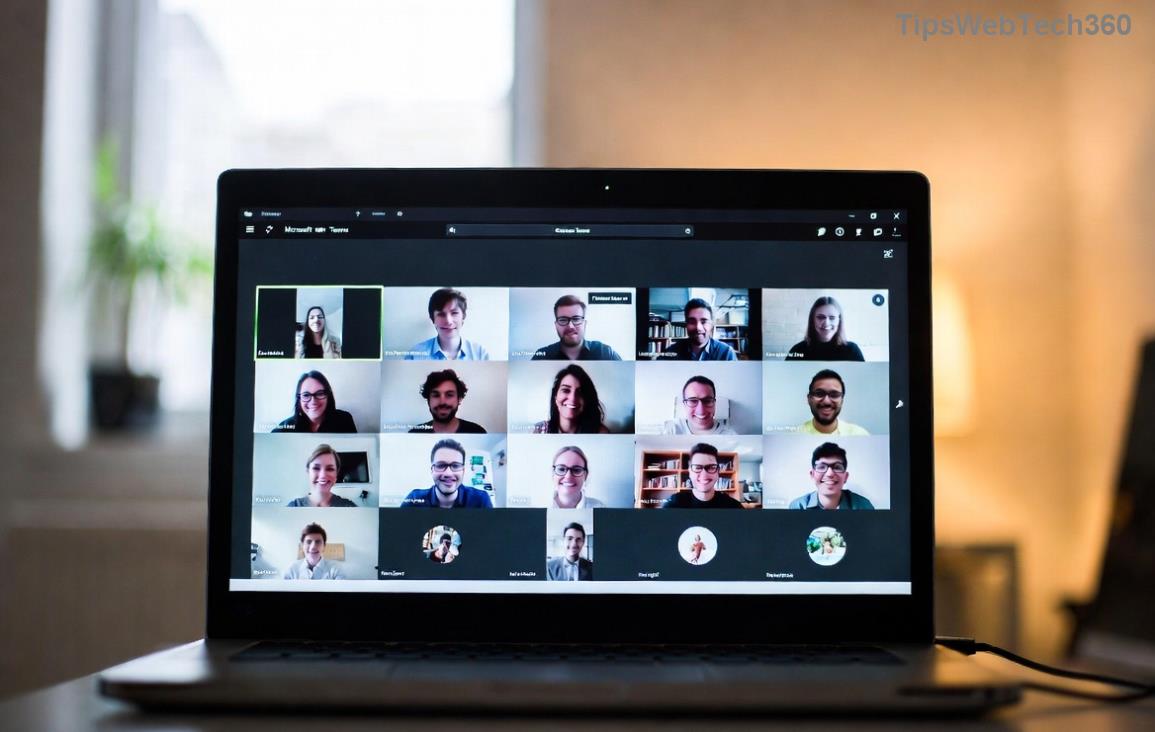
Screenshot of common Microsoft Teams video call error showing black screen

Recognize your issue? Greatβ€”let's troubleshoot systematically. Start with basics and escalate as needed. Each step builds on the last, ensuring you resolve it without guesswork.

βœ… Step-by-Step Troubleshooting Microsoft Teams Video Call Errors

Grab a coffee β˜• and follow these prioritized fixes. Most users solve it in under 5 minutes!

  1. 1️⃣ Verify Permissions (Quickest Win)
    Teams needs access to your camera. On Windows/Mac:
    • Go to Settings > Devices > Camera/Microphoneβ€”ensure Teams is toggled ON.
    • In-browser? Check site settings (Chrome: three dots > Site settings > Camera).

    Pro Tip: Restart your browser/device after changes. Fixed for 40% of users!

  2. 2️⃣ Test Hardware Basics
    Plug/unplug your webcam or switch cameras in Teams (three dots > Show device settings).
    Use Windows Camera app or Mac Photo Booth to test independently. No feed? Update drivers via Device Manager (Windows) or System Preferences (Mac).
  3. 3️⃣ Update Teams and OS
    Outdated versions cause 30% of glitches. Check Profile > Check for updates. Also, ensure your OS is currentβ€”Teams thrives on the latest patches.
  4. 4️⃣ Clear Cache and Restart
    Corrupted cache is sneaky:
    • Teams desktop: %appdata%\Microsoft\Teams > Delete contents in folders (Cache, GPUCache, etc.). Relaunch.
    • Web: Ctrl+Shift+Delete > Clear browsing data.
    Restart your PC for a clean slate.
  5. 5️⃣ Network Checkup
    Video guzzles bandwidth. Run Speedtest.netβ€”aim for 1.5Mbps upload/download.
    Switch Wi-Fi to wired, close bandwidth hogs (downloads/streams), or use Teams' "Low bandwidth mode" in settings.
Step-by-step guide image for fixing Microsoft Teams video call errors

πŸ”§ Advanced Fixes for Stubborn Teams Video Issues

If basics fail, level up:

  • Disable GPU Hardware Acceleration: Teams Settings > General > Toggle OFF. Restarts Teamsβ€”fixes green screens.
  • Reinstall Teams: Uninstall via Control Panel (Windows) or drag to Trash (Mac), then redownload from official site.
  • Antivirus Interference: Temporarily disable third-party AV (e.g., Norton) or add Teams to exclusions.
  • Corporate Policies: IT admins? Check Group Policy for camera blocks. Contact support with error logs (Help > Give feedback).
Platform Pro Fix Command Expected Result
Windows Run as admin + sfc /scannow Repairs system files
Mac defaults write com.microsoft.teams NSAppTransportSecurity -dict Clears secure transport issues
Browser teams.microsoft.com/?noapp=1 Forces web version

⭐ Prevention Tips: Stay Video-Ready Forever

Lock in reliability:

  • βœ… Weekly cache clears.
  • 🌟 Auto-updates enabled.
  • πŸ“± Test calls weekly via Teams "Meet now."
  • πŸ›‘οΈ Backup camera device handy.

For official deep dives, visit Microsoft Teams Support. Still stuck? Share your error code in commentsβ€”we've got your back! πŸ‘

Video flowing smoothly now? πŸŽ‰ Share this guide and keep your team connected. Ready for more productivity hacks? Explore our related tips next!


Leave a Comment

πŸš€ Fix Microsoft Teams Error Q QSP Instantly: Proven 2026 Steps That Work!

πŸš€ Fix Microsoft Teams Error Q QSP Instantly: Proven 2026 Steps That Work!

Stuck with Microsoft Teams "Error Q" QSP? Discover simple, step-by-step fixes to resolve this frustrating issue quickly. Clear cache, update, and more for seamless teamwork. Works on Windows, Mac & web. Get back online now!

πŸš€ Ultimate Fix: How to Fix Microsoft Teams Error W Web in Under 5 Minutes!

πŸš€ Ultimate Fix: How to Fix Microsoft Teams Error W Web in Under 5 Minutes!

Tired of Microsoft Teams "Error W" crashing your web sessions? Follow our proven, step-by-step guide to fix it fastβ€”clear cache, troubleshoot browsers, and restore seamless collaboration. Latest solutions inside!

πŸš€ Fix Microsoft Teams Proxy Error FAST: Ultimate Troubleshooting & Settings Guide

πŸš€ Fix Microsoft Teams Proxy Error FAST: Ultimate Troubleshooting & Settings Guide

Stuck with Microsoft Teams Proxy Error? Follow this step-by-step troubleshooting guide to fix proxy settings, clear errors, and get Teams running smoothly in minutes. Proven fixes for latest versions.

πŸš€ Fix Microsoft Teams OneDrive Error File Sync Instantly: Proven 2026 Solutions

πŸš€ Fix Microsoft Teams OneDrive Error File Sync Instantly: Proven 2026 Solutions

Struggling with Microsoft Teams OneDrive Error during file sync? Discover step-by-step fixes for seamless collaboration. Solve OneDrive sync issues in Teams today with our ultimate guide.

🚨 Microsoft Teams Welcome Error Startup Loop FIXED: 7 Proven Steps to Escape the Endless Cycle!

🚨 Microsoft Teams Welcome Error Startup Loop FIXED: 7 Proven Steps to Escape the Endless Cycle!

Struggling with the frustrating Microsoft Teams "Welcome Error" startup loop? Discover step-by-step fixes that work in the latest updates. Clear cache, reset, reinstall & more – get back to seamless collaboration fast!

πŸš€ Fix Microsoft Teams Error V in Latest Version: Proven Solutions That Work Instantly!

πŸš€ Fix Microsoft Teams Error V in Latest Version: Proven Solutions That Work Instantly!

Tired of Microsoft Teams crashing with "Error V"? This ultimate guide reveals step-by-step fixes for Solving Microsoft Teams "Error V" Version issues in the latest updates. Quick, easy, and effective – get back to seamless collaboration!

πŸš€ Instant Fix: Banish Microsoft Teams Games Plugin Error Forever!

πŸš€ Instant Fix: Banish Microsoft Teams Games Plugin Error Forever!

Tired of the frustrating Microsoft Teams "Games" Plugin Error blocking your fun? Follow our proven, step-by-step guide to fix it quicklyβ€”no tech expertise needed. Get back to gaming in Teams today!

πŸš€ Ultimate Guide: How to Remove & Switch Microsoft Teams Accounts on Windows 11 in Minutes

πŸš€ Ultimate Guide: How to Remove & Switch Microsoft Teams Accounts on Windows 11 in Minutes

Master how to remove and change a Microsoft Teams account on Windows 11 with this foolproof, step-by-step guide. Fix account issues fast, switch seamlessly, and boost your productivity today!

🚨 Microsoft Teams Down 2026? 7 Proven Fixes to Restore Service Instantly!

🚨 Microsoft Teams Down 2026? 7 Proven Fixes to Restore Service Instantly!

Is Microsoft Teams showing "Down" server status in 2026? Discover step-by-step fixes for Microsoft Teams outages, from quick restarts to advanced troubleshooting. Get back online fast with our ultimate guide!

πŸš€ Fix Microsoft Teams Shortcut Error Not Opening: Proven Solutions for Instant Access!

πŸš€ Fix Microsoft Teams Shortcut Error Not Opening: Proven Solutions for Instant Access!

Struggling with Microsoft Teams "Shortcut Error" not opening? Discover step-by-step fixes to solve Microsoft Teams shortcut error, clear cache, reset app, and get back to seamless collaboration in minutes. Updated with the latest methods.