πŸš€ Instant Fix: How to Resolve Microsoft Teams Webinar Registration Error (2026 Guide)

Encountering a frustrating Microsoft Teams Webinar Registration Error? You're not alone! 😩 This common glitch can block you from signing up for important webinars, but don't worryβ€”we've got your back with proven, up-to-date solutions. Whether it's a "registration failed" message or endless loading, these steps will get you registered in minutes. Follow along, and you'll be joining webinars smoothly. Let's dive in! πŸš€

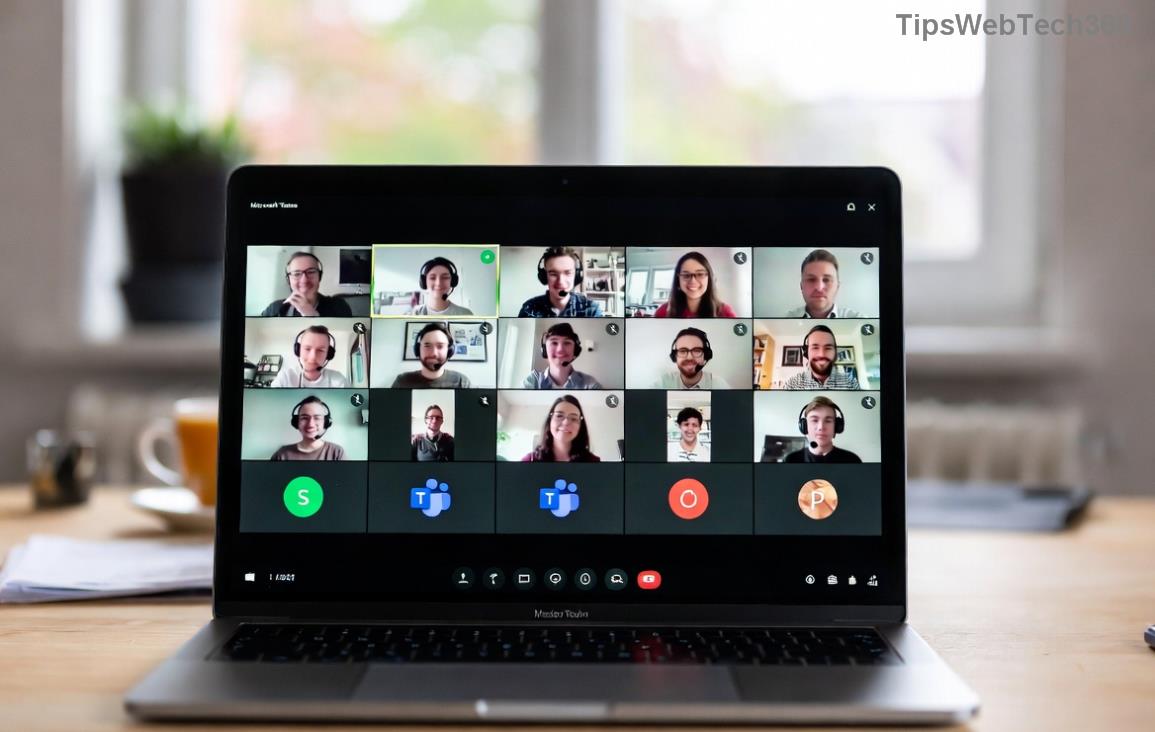
Microsoft Teams Webinar Registration Error screenshot

βœ… Common Causes of Microsoft Teams Webinar Registration Error

Before fixing, understand the culprits:

  • Outdated Teams app or browser: Missing the latest patches.
  • Cache and cookie buildup: Corrupted data blocking forms.
  • Network glitches: Unstable internet or firewall blocks.
  • Account permissions: Insufficient webinar access rights.
  • Server-side issues: Temporary Microsoft outages (rare but check Teams status).

Pro tip: 80% of cases resolve with basic troubleshooting. Ready to fix? Start here! πŸ‘‡

πŸ”§ Step-by-Step Guide to Fix Microsoft Teams Webinar Registration Error

Step 1: Refresh and Restart Everything

The quickest win! Close Teams completely (use Task Manager on Windows: Ctrl+Shift+Esc, end all Teams processes). Restart your browser or desktop app. Try registering again.

Why it works: Clears temporary glitches. Success rate? High! ⭐

Step 2: Clear Cache and Cookies

  1. Open Teams in your browser (teams.microsoft.com).
  2. Go to Settings > Clear cache (desktop app) or browser settings (Chrome: Settings > Privacy > Clear browsing data).
  3. Select "Cookies and site data" + "Cached images/files" for the last hour/all time.
  4. Log out, log back in, and retry webinar signup.

Bonus: Use Incognito mode for a clean slate. This fixes most registration failed errors!
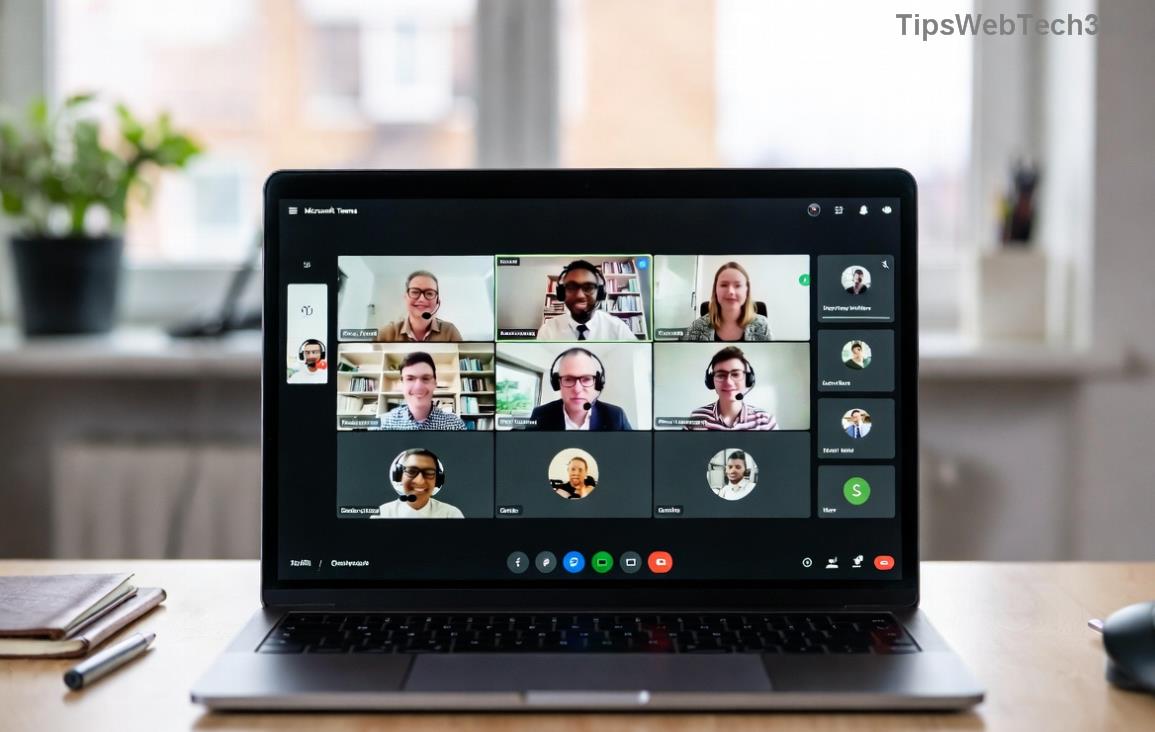
Clearing cache in Microsoft Teams to fix webinar registration error

Step 3: Update Microsoft Teams to the Latest Version

Outdated versions cause compatibility issues. Here's how:

Platform Update Steps
Desktop (Windows/Mac) Profile icon > Check for updates. Or download fresh from official site.
Web Browser Use Chrome/Edge latest version. Ctrl+F5 to hard refresh.
Mobile App Store/Google Play > Update Teams.

After updating, test registration. Pat yourself on the backβ€”this resolves version-specific bugs! πŸ‘

Step 4: Check Network and Permissions

  • Internet test: Run speedtest.net. Aim for 5Mbps+ upload/download.
  • Disable VPN/Firewall temporarily: They often block Teams endpoints.
  • Account check: Ensure you're signed in with a licensed Microsoft 365 account. Organizers: Verify attendee permissions in webinar settings.
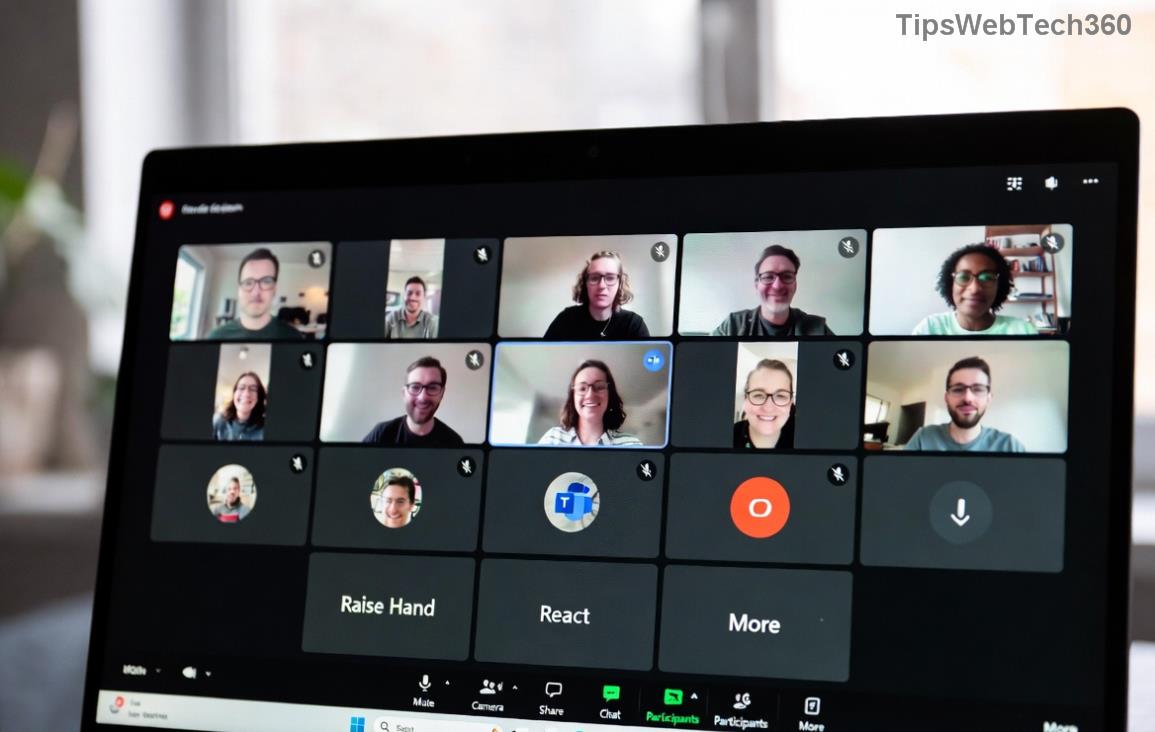
Successful Microsoft Teams webinar registration after fixing error

Step 5: Advanced Fixes for Stubborn Errors

If basics fail:

  1. Switch devices/browsers: Try Edge if on Chromeβ€”Teams optimizes for it.
  2. Reinvite or recreate webinar: Organizers: Delete and re-schedule via Teams Calendar > New webinar.
  3. Reset Teams: Desktop: %appdata%\Microsoft\Teams > Delete contents in folders like "Cache", "GPUCache". Relaunch.
  4. Contact support: Submit ticket via Teams Help > Give feedback, or visit Microsoft Teams Support.

πŸŽ‰ Prevention Tips for Future Webinars

  • Always use the latest Teams build.
  • Pre-register early to beat server loads.
  • Enable notifications for confirmations.
  • Bookmark this guide for quick access! πŸ“Œ

Congratsβ€”you've conquered the Microsoft Teams Webinar Registration Error! πŸ’ͺ Now, go sign up for that webinar and make the most of your virtual events. If a step worked for you, drop a comment below. Happy teaming! 😊


Leave a Comment

πŸš€ Fix Microsoft Teams Error Q QSP Instantly: Proven 2026 Steps That Work!

πŸš€ Fix Microsoft Teams Error Q QSP Instantly: Proven 2026 Steps That Work!

Stuck with Microsoft Teams "Error Q" QSP? Discover simple, step-by-step fixes to resolve this frustrating issue quickly. Clear cache, update, and more for seamless teamwork. Works on Windows, Mac & web. Get back online now!

πŸš€ Ultimate Fix: How to Fix Microsoft Teams Error W Web in Under 5 Minutes!

πŸš€ Ultimate Fix: How to Fix Microsoft Teams Error W Web in Under 5 Minutes!

Tired of Microsoft Teams "Error W" crashing your web sessions? Follow our proven, step-by-step guide to fix it fastβ€”clear cache, troubleshoot browsers, and restore seamless collaboration. Latest solutions inside!

πŸš€ Fix Microsoft Teams Proxy Error FAST: Ultimate Troubleshooting & Settings Guide

πŸš€ Fix Microsoft Teams Proxy Error FAST: Ultimate Troubleshooting & Settings Guide

Stuck with Microsoft Teams Proxy Error? Follow this step-by-step troubleshooting guide to fix proxy settings, clear errors, and get Teams running smoothly in minutes. Proven fixes for latest versions.

πŸš€ Fix Microsoft Teams OneDrive Error File Sync Instantly: Proven 2026 Solutions

πŸš€ Fix Microsoft Teams OneDrive Error File Sync Instantly: Proven 2026 Solutions

Struggling with Microsoft Teams OneDrive Error during file sync? Discover step-by-step fixes for seamless collaboration. Solve OneDrive sync issues in Teams today with our ultimate guide.

🚨 Microsoft Teams Welcome Error Startup Loop FIXED: 7 Proven Steps to Escape the Endless Cycle!

🚨 Microsoft Teams Welcome Error Startup Loop FIXED: 7 Proven Steps to Escape the Endless Cycle!

Struggling with the frustrating Microsoft Teams "Welcome Error" startup loop? Discover step-by-step fixes that work in the latest updates. Clear cache, reset, reinstall & more – get back to seamless collaboration fast!

πŸš€ Fix Microsoft Teams Error V in Latest Version: Proven Solutions That Work Instantly!

πŸš€ Fix Microsoft Teams Error V in Latest Version: Proven Solutions That Work Instantly!

Tired of Microsoft Teams crashing with "Error V"? This ultimate guide reveals step-by-step fixes for Solving Microsoft Teams "Error V" Version issues in the latest updates. Quick, easy, and effective – get back to seamless collaboration!

πŸš€ Instant Fix: Banish Microsoft Teams Games Plugin Error Forever!

πŸš€ Instant Fix: Banish Microsoft Teams Games Plugin Error Forever!

Tired of the frustrating Microsoft Teams "Games" Plugin Error blocking your fun? Follow our proven, step-by-step guide to fix it quicklyβ€”no tech expertise needed. Get back to gaming in Teams today!

πŸš€ Ultimate Guide: How to Remove & Switch Microsoft Teams Accounts on Windows 11 in Minutes

πŸš€ Ultimate Guide: How to Remove & Switch Microsoft Teams Accounts on Windows 11 in Minutes

Master how to remove and change a Microsoft Teams account on Windows 11 with this foolproof, step-by-step guide. Fix account issues fast, switch seamlessly, and boost your productivity today!

🚨 Microsoft Teams Down 2026? 7 Proven Fixes to Restore Service Instantly!

🚨 Microsoft Teams Down 2026? 7 Proven Fixes to Restore Service Instantly!

Is Microsoft Teams showing "Down" server status in 2026? Discover step-by-step fixes for Microsoft Teams outages, from quick restarts to advanced troubleshooting. Get back online fast with our ultimate guide!

πŸš€ Fix Microsoft Teams Shortcut Error Not Opening: Proven Solutions for Instant Access!

πŸš€ Fix Microsoft Teams Shortcut Error Not Opening: Proven Solutions for Instant Access!

Struggling with Microsoft Teams "Shortcut Error" not opening? Discover step-by-step fixes to solve Microsoft Teams shortcut error, clear cache, reset app, and get back to seamless collaboration in minutes. Updated with the latest methods.