๐Ÿš€ Ultimate Fix: How to Resolve Microsoft Teams Media Error for Videos in Minutes!

Imagine you're in the middle of an important Microsoft Teams meeting, ready to share a crucial video, only to hit the dreaded "Media Error". Frustrating, right? ๐Ÿ˜ฉ Don't worryโ€”this common issue blocks video playback but is totally fixable with the right steps. In this guide, we'll walk you through how to fix Microsoft Teams "Media Error" for videos using the latest troubleshooting methods. You'll be back to smooth collaboration in no time!

What Causes Microsoft Teams Media Error for Videos? ๐Ÿ”

Understanding the root causes helps you target the fix faster. Here are the top triggers:

  • Corrupted cache or temporary files: Builds up and disrupts media loading.
  • Outdated Teams app or browser: Missing latest patches for media support.
  • Permission issues: Browser or app blocking camera/microphone access.
  • Network glitches: Unstable connections interrupting video streams.
  • Conflicting extensions or software: VPNs, ad-blockers, or antivirus interfering.

Spot your culprit? Greatโ€”let's dive into fixes! ๐Ÿ‘†

Quick Fixes: Start Here for Instant Relief โญ

Try these firstโ€”they resolve 80% of cases without tech headaches.

  1. Refresh and Restart Teams
    Close Teams completely (use Task Manager on Windows: Ctrl+Shift+Esc). Reopen and test video playback. Simple, yet effective!
  2. Clear Browser Cache (for Web Version)
    In Chrome/Edge: Settings > Privacy > Clear browsing data (select Cached images/files). Restart browser and log back in.
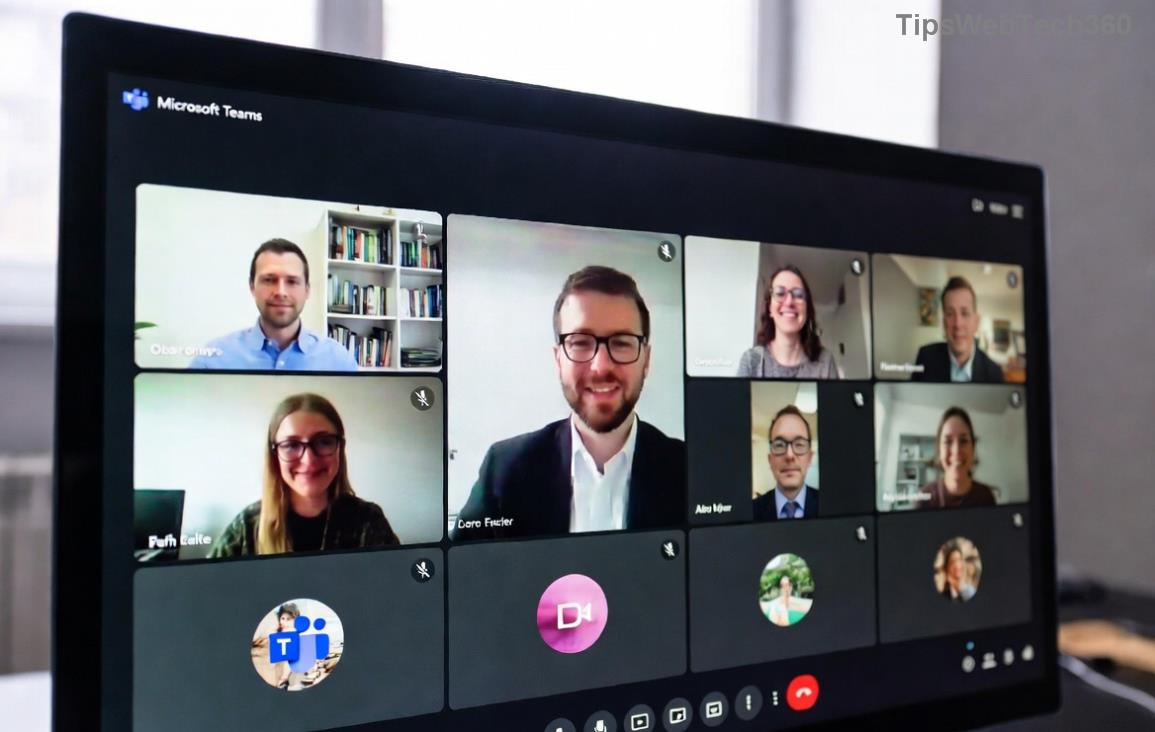
    Microsoft Teams media error screenshot showing video playback issue
  3. Check Permissions
    Go to Teams Settings > Devices. Ensure camera/mic are allowed. In browser, click lock icon in address bar > Allow media access.

Still stuck? No sweatโ€”advanced steps incoming. Keep reading for pro-level solutions! ๐Ÿ“ˆ

Advanced Troubleshooting: Step-by-Step Table Guide

For deeper issues, use this handy table. Match your symptom to the fix:

Symptom Fix Steps Expected Time
Persistent after refresh 1. Update Teams: Help > Check for updates.
2. Or download latest from official site.
5 mins
Network-related 1. Run speed test.
2. Switch Wi-Fi to Ethernet.
3. Disable VPN temporarily.
3 mins
Extension conflicts Incognito mode (Ctrl+Shift+N). If it works, disable extensions one-by-one.
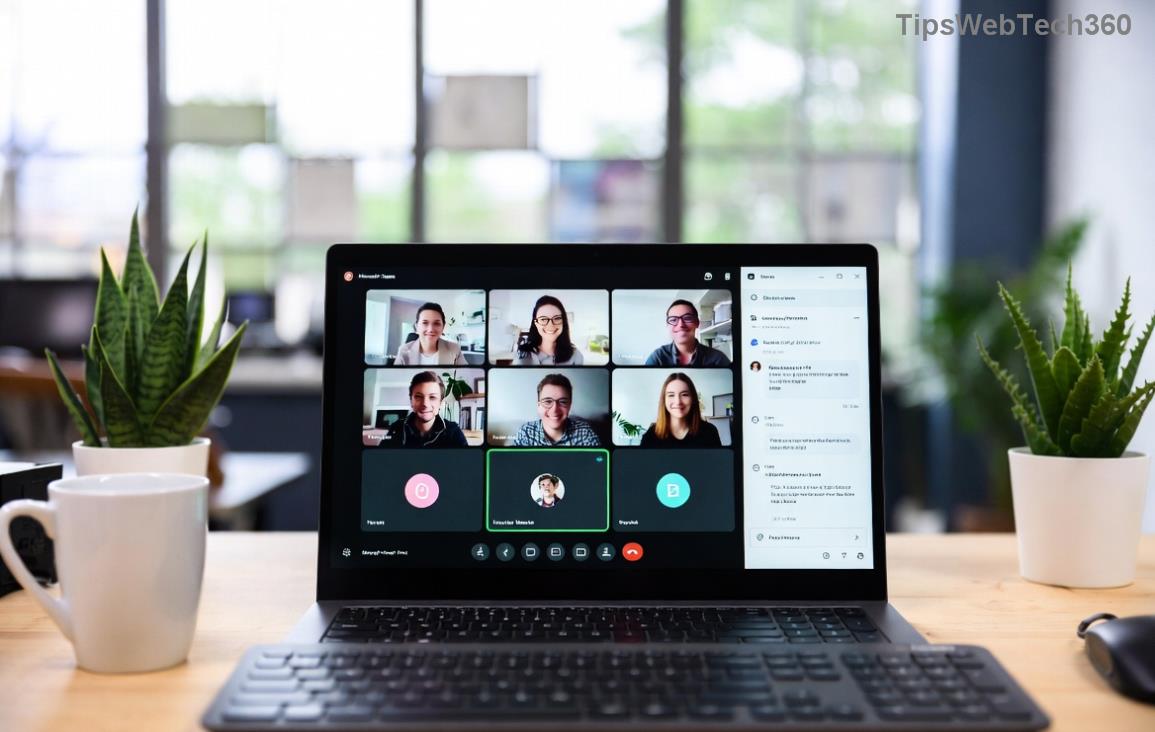
Teams settings for clearing cache to fix media error
10 mins
Last resort: Reinstall Uninstall via Control Panel > Reinstall from Microsoft. 15 mins

Pro tip: For Windows users, reset Teams via %appdata%\Microsoft\Teams > Delete contents (backup first). macOS? ~/Library/Application Support/Microsoft/Teams.

These steps are based on the latest Microsoft support docs. Always current! ๐Ÿ‘

Prevent Future Microsoft Teams Media Errors ๐Ÿ’ก

Stay ahead:

  • Enable auto-updates in Teams settings.
  • Regularly clear cache weekly.
  • Use wired connection for high-stakes calls.
  • Test videos in a private chat first. ๐Ÿงช

Bonus: If sharing external videos, ensure they're from supported sites like YouTubeโ€”Teams handles them best.

Ready to Test? Your Success Awaits! ๐ŸŽ‰

There you have itโ€”the complete blueprint to conquer Microsoft Teams "Media Error" for videos. Start with quick fixes, escalate as needed, and you'll be streaming flawlessly. Fixed it? Drop a comment belowโ€”we love success stories! If issues persist, check device compatibility on Microsoft's site.

Happy teaming! ๐Ÿš€

Leave a Comment

๐Ÿš€ Fix Microsoft Teams Error Q QSP Instantly: Proven 2026 Steps That Work!

๐Ÿš€ Fix Microsoft Teams Error Q QSP Instantly: Proven 2026 Steps That Work!

Stuck with Microsoft Teams "Error Q" QSP? Discover simple, step-by-step fixes to resolve this frustrating issue quickly. Clear cache, update, and more for seamless teamwork. Works on Windows, Mac & web. Get back online now!

๐Ÿš€ Ultimate Fix: How to Fix Microsoft Teams Error W Web in Under 5 Minutes!

๐Ÿš€ Ultimate Fix: How to Fix Microsoft Teams Error W Web in Under 5 Minutes!

Tired of Microsoft Teams "Error W" crashing your web sessions? Follow our proven, step-by-step guide to fix it fastโ€”clear cache, troubleshoot browsers, and restore seamless collaboration. Latest solutions inside!

๐Ÿš€ Fix Microsoft Teams Proxy Error FAST: Ultimate Troubleshooting & Settings Guide

๐Ÿš€ Fix Microsoft Teams Proxy Error FAST: Ultimate Troubleshooting & Settings Guide

Stuck with Microsoft Teams Proxy Error? Follow this step-by-step troubleshooting guide to fix proxy settings, clear errors, and get Teams running smoothly in minutes. Proven fixes for latest versions.

๐Ÿš€ Fix Microsoft Teams OneDrive Error File Sync Instantly: Proven 2026 Solutions

๐Ÿš€ Fix Microsoft Teams OneDrive Error File Sync Instantly: Proven 2026 Solutions

Struggling with Microsoft Teams OneDrive Error during file sync? Discover step-by-step fixes for seamless collaboration. Solve OneDrive sync issues in Teams today with our ultimate guide.

๐Ÿšจ Microsoft Teams Welcome Error Startup Loop FIXED: 7 Proven Steps to Escape the Endless Cycle!

๐Ÿšจ Microsoft Teams Welcome Error Startup Loop FIXED: 7 Proven Steps to Escape the Endless Cycle!

Struggling with the frustrating Microsoft Teams "Welcome Error" startup loop? Discover step-by-step fixes that work in the latest updates. Clear cache, reset, reinstall & more โ€“ get back to seamless collaboration fast!

๐Ÿš€ Fix Microsoft Teams Error V in Latest Version: Proven Solutions That Work Instantly!

๐Ÿš€ Fix Microsoft Teams Error V in Latest Version: Proven Solutions That Work Instantly!

Tired of Microsoft Teams crashing with "Error V"? This ultimate guide reveals step-by-step fixes for Solving Microsoft Teams "Error V" Version issues in the latest updates. Quick, easy, and effective โ€“ get back to seamless collaboration!

๐Ÿš€ Instant Fix: Banish Microsoft Teams Games Plugin Error Forever!

๐Ÿš€ Instant Fix: Banish Microsoft Teams Games Plugin Error Forever!

Tired of the frustrating Microsoft Teams "Games" Plugin Error blocking your fun? Follow our proven, step-by-step guide to fix it quicklyโ€”no tech expertise needed. Get back to gaming in Teams today!

๐Ÿš€ Ultimate Guide: How to Remove & Switch Microsoft Teams Accounts on Windows 11 in Minutes

๐Ÿš€ Ultimate Guide: How to Remove & Switch Microsoft Teams Accounts on Windows 11 in Minutes

Master how to remove and change a Microsoft Teams account on Windows 11 with this foolproof, step-by-step guide. Fix account issues fast, switch seamlessly, and boost your productivity today!

๐Ÿšจ Microsoft Teams Down 2026? 7 Proven Fixes to Restore Service Instantly!

๐Ÿšจ Microsoft Teams Down 2026? 7 Proven Fixes to Restore Service Instantly!

Is Microsoft Teams showing "Down" server status in 2026? Discover step-by-step fixes for Microsoft Teams outages, from quick restarts to advanced troubleshooting. Get back online fast with our ultimate guide!

๐Ÿš€ Fix Microsoft Teams Shortcut Error Not Opening: Proven Solutions for Instant Access!

๐Ÿš€ Fix Microsoft Teams Shortcut Error Not Opening: Proven Solutions for Instant Access!

Struggling with Microsoft Teams "Shortcut Error" not opening? Discover step-by-step fixes to solve Microsoft Teams shortcut error, clear cache, reset app, and get back to seamless collaboration in minutes. Updated with the latest methods.









