Imagine you're in the middle of an important Microsoft Teams call, and suddenly, the dreaded "Call Error" Disconnecting message flashes across your screen. 😩 Frustrating, right? This common issue disrupts meetings, collaborations, and productivity. But don't worry—most cases are fixable with simple steps. In this guide, we'll walk you through troubleshooting Microsoft Teams "Call Error" Disconnecting effectively, using the latest proven methods. Stick around for quick wins and advanced tips to keep your calls crystal clear! 👆
Common Causes of Microsoft Teams Call Error Disconnecting
Before diving into fixes, understanding the root causes helps you target the problem faster. Here's what typically triggers this error:
- 🌐 Unstable Network Connection: Wi-Fi drops, high latency, or VPN interference.
- 🔧 Outdated Teams App: Missing patches for audio/video stability.
- 📱 Device Permissions & Settings: Microphone/camera access blocked.
- 💻 Cache & Resource Overload: Corrupted temporary files hogging memory.
- ☁️ Server-Side Glitches: Temporary outages on Microsoft's end (rare but check status first).
Quick tip: Run a Teams Call Quality Dashboard check for insights—it's a game-changer for diagnosing.
Step-by-Step Troubleshooting Microsoft Teams "Call Error" Disconnecting
Let's roll up our sleeves! Follow these numbered steps in order for the fastest resolution. Most users fix it within 10 minutes. ⭐
- 1️⃣ Verify Your Network
Test your internet speed (aim for 1.5 Mbps upload/download). Switch to wired Ethernet if possible. Disable VPN temporarily—it's a top culprit!
Pro Tip: Use Teams' built-in network assessment tool: Settings > Devices > Make a test call.
- 2️⃣ Restart Teams & Devices
Close Teams completely (use Task Manager on Windows: Ctrl+Shift+Esc). Restart your computer/phone. Simple reboots clear 40% of glitches.
- 3️⃣ Update Microsoft Teams
Go to your profile picture > Check for updates. Install the latest version—Microsoft rolls out fixes weekly for call stability. On mobile, check App Store/Google Play.
- 4️⃣ Clear Teams Cache
Windows: %appdata%\Microsoft\Teams > Delete contents of folders like blob_storage, Cache, databases.
Mac: ~/Library/Application Support/Microsoft/Teams > Same deletion.
Relaunch Teams. This refreshes corrupted data causing disconnects.
- 5️⃣ Check Permissions & Hardware
Settings > Privacy > Microphone/Camera > Allow Teams. Test audio in Windows Sound Settings or Mac System Preferences. Plug in external mic/headset if built-in fails.
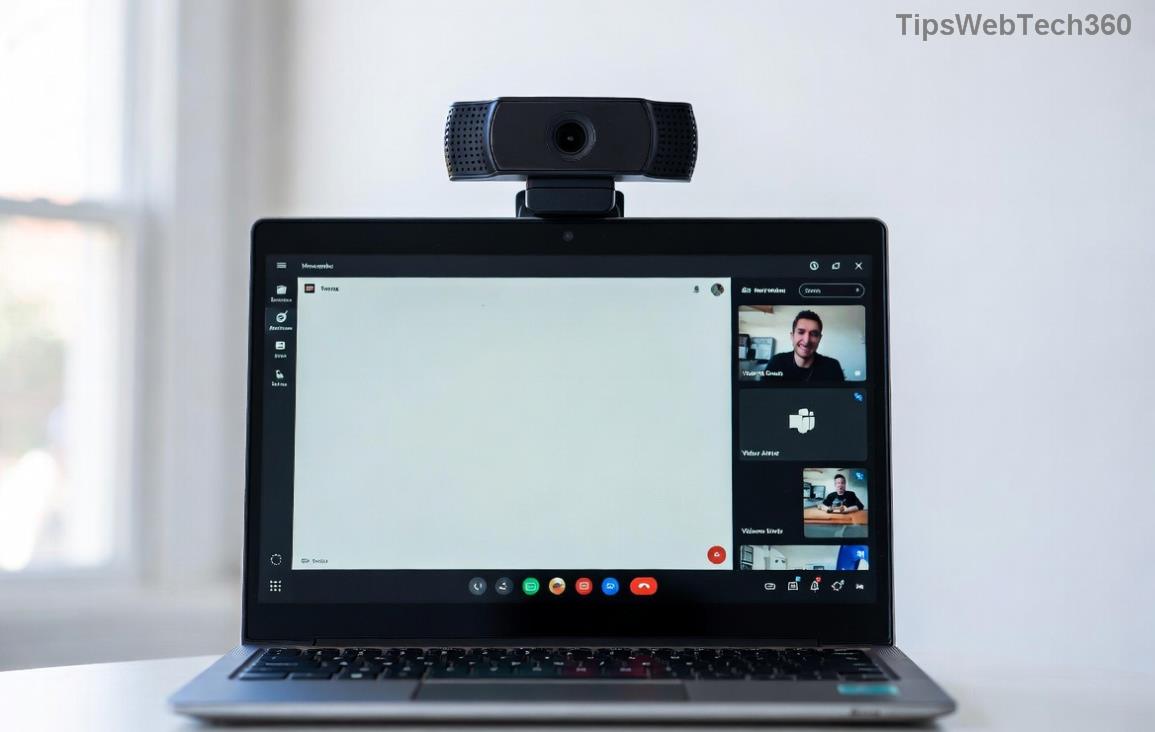
Visualizing the error? The image above shows a typical Microsoft Teams call error disconnecting screen—now you're armed to beat it!
Advanced Fixes for Persistent Teams Call Error Disconnecting
If basics don't cut it, level up:
- 🔄 Reset Network Adapter: Windows: Network Settings > Adapter Options > Right-click > Diagnose. Mac: Renew DHCP Lease in Network prefs.
- 🛡️ Disable Antivirus/Firewall Temporarily: Tools like Norton or Windows Defender can block UDP ports (3478-3481). Whitelist Teams.
- 📊 Run Teams Diagnostics: Download the Teams Network Assessment Tool from Microsoft for deep analysis.
- ☎️ Contact Support: If all fails, submit a ticket via Teams Help > Give feedback. Include call logs.
Quick Reference: Troubleshooting Microsoft Teams "Call Error" Disconnecting Table
| Symptom |
Likely Cause |
Fix |
| Disconnects mid-call |
Unstable Wi-Fi |
Switch to Ethernet or 5GHz Wi-Fi |
| Error on join |
Permissions |
Grant mic/camera access |
| Frequent drops |
Cache buildup |
Clear cache & restart |
| Audio cuts only |
Hardware conflict |
Test external devices |
| Group calls worse |
Bandwidth |
Lower video quality in settings |
This table is your cheat sheet—bookmark it! 📌
The second image highlights network-related troubleshooting Microsoft Teams "Call Error" Disconnecting—perfect for visual learners.
Prevention Tips to Avoid Future Microsoft Teams Call Error Disconnecting
Stay ahead of the curve:
- ⭐ Schedule regular Teams updates.
- 🌐 Use reliable networks; enable QoS for Teams traffic.
- 💾 Keep cache cleared monthly.
- 🧪 Test calls before big meetings.
- 📱 Optimize device: Close background apps, update OS.
Bonus: Enable Teams Intelligent Meeting Recap for uninterrupted productivity even if issues pop up.
Wrap-Up: Seamless Teams Calls Await!
Congratulations—you now have the ultimate toolkit for troubleshooting Microsoft Teams "Call Error" Disconnecting! Start with the basics, and you'll be back to flawless video calls in no time. 🎉 If this guide helped, share it with your team. Got a unique fix? Drop a comment below—we're all in this together. Happy collaborating! 👏









