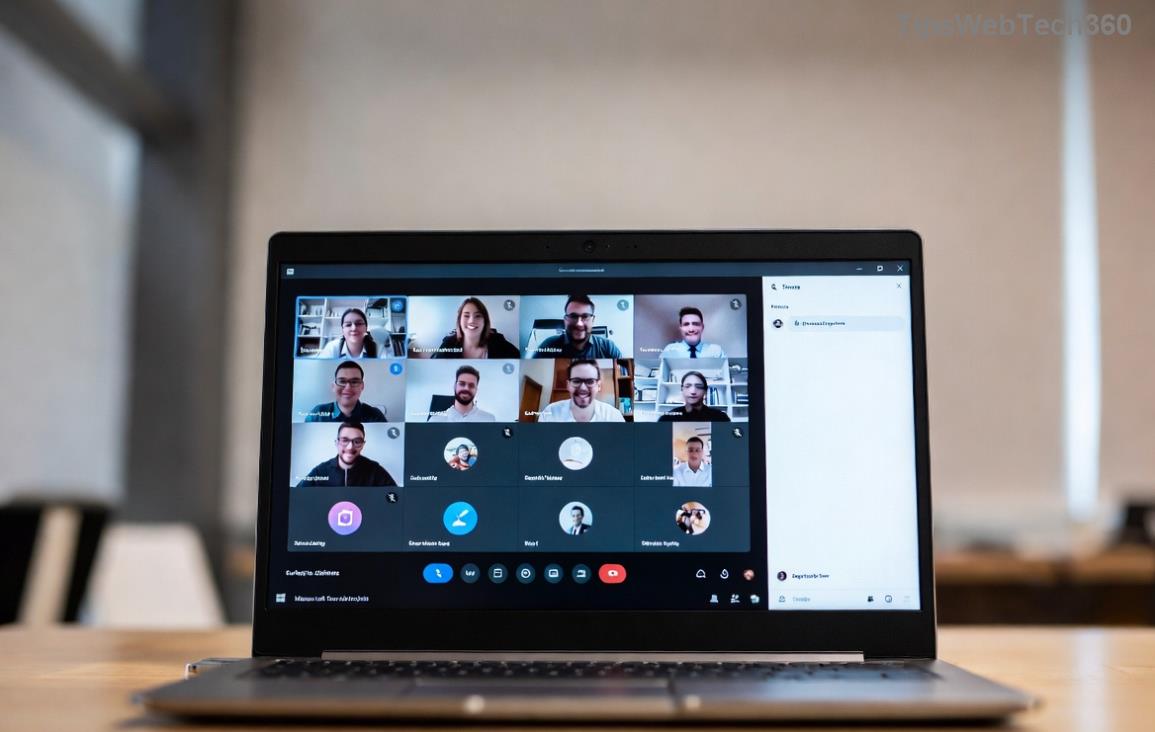
Fix Microsoft Teams VOIP Connection Error in Minutes: Proven Solutions for Seamless Calls

🚨 Encountering the dreaded Microsoft Teams VOIP connection error? You're not alone. This frustrating issue disrupts meetings, silences your mic, or causes endless echo, turning productive calls into chaos. But don't worryβ€”our guide delivers quick, reliable fixes to get you back to crystal-clear communication. Whether it's a network glitch or app hiccup, we'll solve it step-by-step. Let's dive in and reclaim your Teams experience! πŸ’ͺ

Understanding the Microsoft Teams VOIP Connection Error

The VOIP connection error in Microsoft Teams typically manifests as failed audio setup, "can't hear or be heard" warnings, or sudden disconnections during calls. It's tied to Voice over Internet Protocol (VOIP) failures, often triggered by bandwidth limits, firewall blocks, or outdated software. Recent Teams updates have refined VOIP handling, but glitches persistβ€”especially in hybrid work setups.

Key symptoms include:

  • πŸ”‡ Microphone or speaker not detected
  • πŸ“‰ Audio drops mid-call
  • πŸ”„ Endless "connecting" spinner
  • πŸ“ž Echo or distortion

Common Causes of Teams VOIP Connection Error

Pinpointing the root saves time. Here's a breakdown:

Cause Symptoms Quick Check
Network Issues Intermittent drops, high latency Run speed test (>1.5 Mbps upload)
Permissions Mic/camera blocked Check browser/OS settings
Outdated App Connection timeouts Verify latest version
Firewall/Antivirus VOIP ports blocked UDP 3478-3481 open
Microsoft Teams VOIP connection error screenshot

Step-by-Step Fixes for Solving Microsoft Teams VOIP Connection Error

Follow these proven steps in orderβ€”most users fix it by step 3! πŸ‘†

1️⃣ Verify Basics and Permissions

Start simple: Ensure Teams has mic/speaker access.

  1. Open Teams > Settings > Devices. Test mic/speaker.
  2. In Windows/Mac: Settings > Privacy > Microphone > Allow Teams.
  3. Browser (Edge/Chrome): Click lock icon > Allow mic/camera.

Pro tip: Close other apps hogging audio devices. Retry a test call! 🌟

2️⃣ Optimize Your Network

VOIP demands stable internet. Here's how:

  • Wired connection over Wi-Fi.
  • Disable VPN if activeβ€”Teams prefers direct routes.
  • Restart router; switch to 5GHz band.

Use Teams' built-in network assessment: Help > Give feedback > Network info. Aim for <150ms latency.
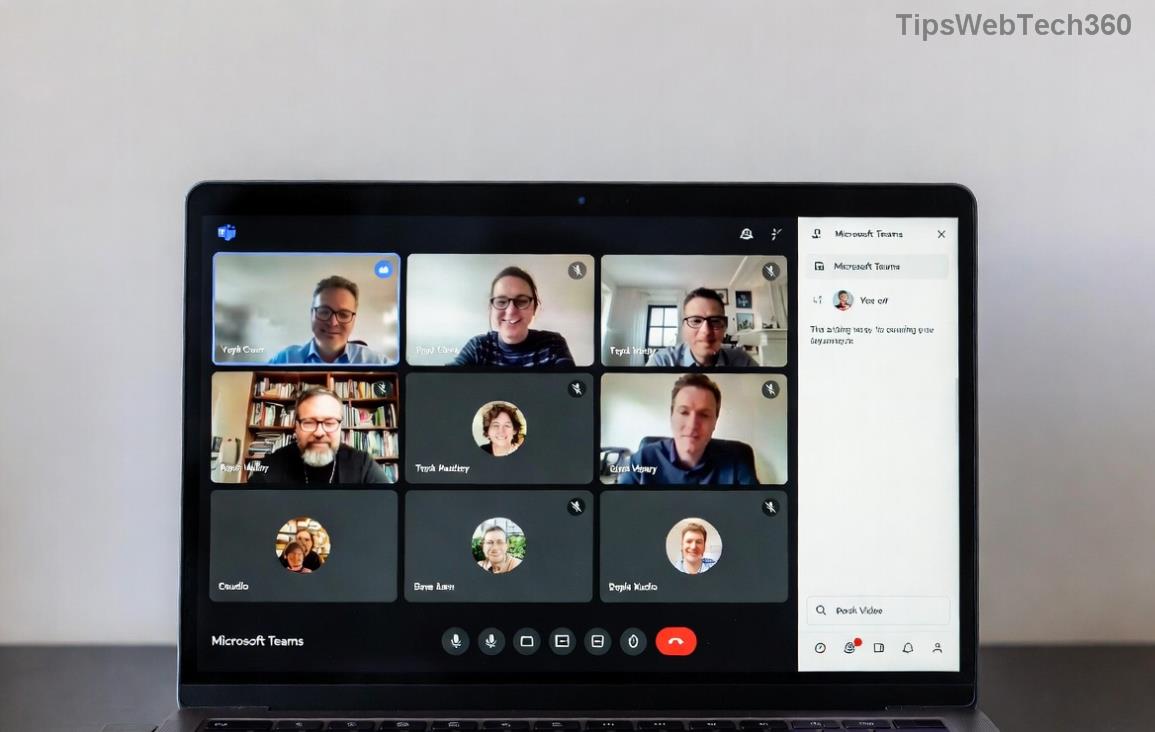
Teams network settings for VOIP fix

3️⃣ Update and Reset Teams

Outdated versions cause 40% of VOIP woes.

  1. Profile icon > Check for updates.
  2. Clear cache: %appdata%\Microsoft\Teams > Delete contents (close Teams first).
  3. Reinstall: Download latest from official site.

4️⃣ Advanced Troubleshooting

If basics fail:

  • Firewall tweak: Allow Teams.exe and UDP ports 50000-50019.
  • Run as admin: Right-click Teams > Run as administrator.
  • Disable hardware acceleration: Settings > General > Toggle off.

For enterprise users, check proxy settings or consult IT. Stuck? Run Teams diagnostics via Ctrl+Alt+Shift+1.
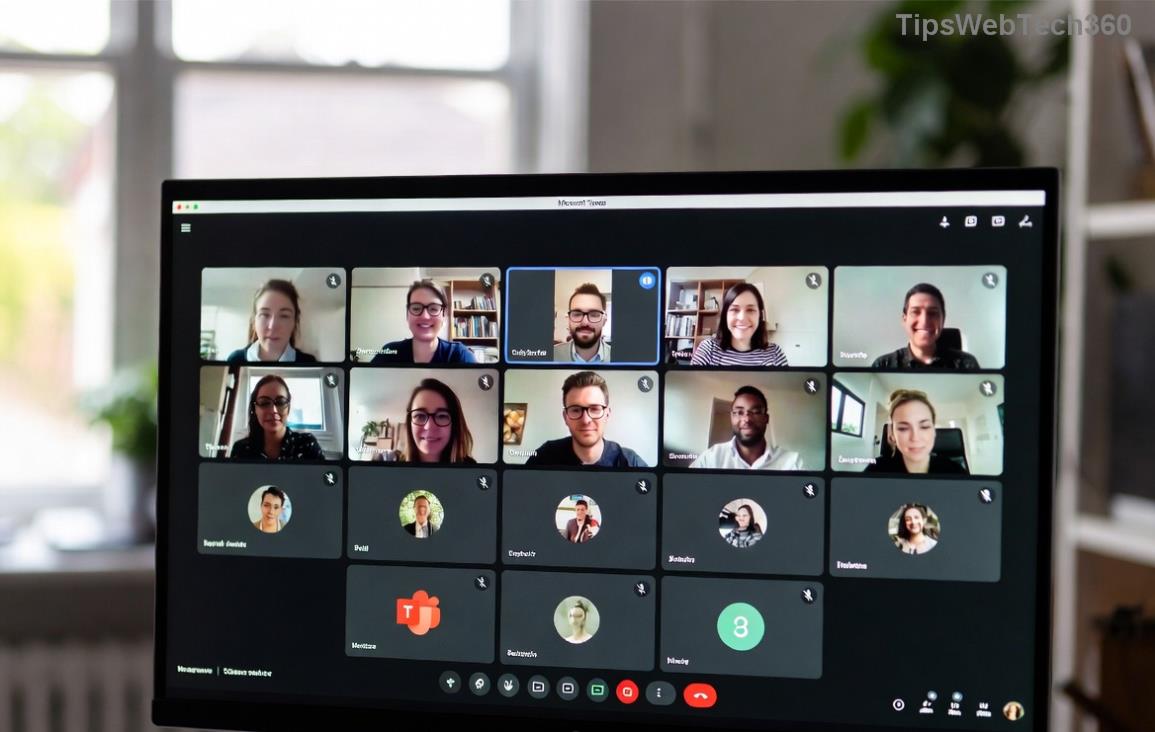
Successful Teams VOIP connection after fix

Prevention Tips to Avoid Future Teams VOIP Errors

Stay ahead:

  • ⭐ Enable auto-updates in Teams.
  • πŸ“‘ Use Ethernet for critical calls.
  • πŸ”’ Regularly audit device permissions.
  • πŸ§ͺ Test setup before meetings: Teams > Calendar > Meet now.

Bonus: Integrate with Microsoft's troubleshooter for automated scans. Your future self will thank you! 😊

Ready for Flawless Teams Calls?

By now, your Microsoft Teams VOIP connection error should be history. If not, drop a comment belowβ€”we're here to help refine these steps for your setup. Share this guide if it saved your meeting! πŸ‘ Keep your Teams humming smoothly and crush those virtual collaborations.

Leave a Comment

πŸš€ Fix Microsoft Teams Error Q QSP Instantly: Proven 2026 Steps That Work!

πŸš€ Fix Microsoft Teams Error Q QSP Instantly: Proven 2026 Steps That Work!

Stuck with Microsoft Teams "Error Q" QSP? Discover simple, step-by-step fixes to resolve this frustrating issue quickly. Clear cache, update, and more for seamless teamwork. Works on Windows, Mac & web. Get back online now!

πŸš€ Ultimate Fix: How to Fix Microsoft Teams Error W Web in Under 5 Minutes!

πŸš€ Ultimate Fix: How to Fix Microsoft Teams Error W Web in Under 5 Minutes!

Tired of Microsoft Teams "Error W" crashing your web sessions? Follow our proven, step-by-step guide to fix it fastβ€”clear cache, troubleshoot browsers, and restore seamless collaboration. Latest solutions inside!

πŸš€ Fix Microsoft Teams Proxy Error FAST: Ultimate Troubleshooting &amp; Settings Guide

πŸš€ Fix Microsoft Teams Proxy Error FAST: Ultimate Troubleshooting &amp; Settings Guide

Stuck with Microsoft Teams Proxy Error? Follow this step-by-step troubleshooting guide to fix proxy settings, clear errors, and get Teams running smoothly in minutes. Proven fixes for latest versions.

πŸš€ Fix Microsoft Teams OneDrive Error File Sync Instantly: Proven 2026 Solutions

πŸš€ Fix Microsoft Teams OneDrive Error File Sync Instantly: Proven 2026 Solutions

Struggling with Microsoft Teams OneDrive Error during file sync? Discover step-by-step fixes for seamless collaboration. Solve OneDrive sync issues in Teams today with our ultimate guide.

🚨 Microsoft Teams Welcome Error Startup Loop FIXED: 7 Proven Steps to Escape the Endless Cycle!

🚨 Microsoft Teams Welcome Error Startup Loop FIXED: 7 Proven Steps to Escape the Endless Cycle!

Struggling with the frustrating Microsoft Teams "Welcome Error" startup loop? Discover step-by-step fixes that work in the latest updates. Clear cache, reset, reinstall & more – get back to seamless collaboration fast!

πŸš€ Fix Microsoft Teams Error V in Latest Version: Proven Solutions That Work Instantly!

πŸš€ Fix Microsoft Teams Error V in Latest Version: Proven Solutions That Work Instantly!

Tired of Microsoft Teams crashing with "Error V"? This ultimate guide reveals step-by-step fixes for Solving Microsoft Teams "Error V" Version issues in the latest updates. Quick, easy, and effective – get back to seamless collaboration!

πŸš€ Instant Fix: Banish Microsoft Teams Games Plugin Error Forever!

πŸš€ Instant Fix: Banish Microsoft Teams Games Plugin Error Forever!

Tired of the frustrating Microsoft Teams "Games" Plugin Error blocking your fun? Follow our proven, step-by-step guide to fix it quicklyβ€”no tech expertise needed. Get back to gaming in Teams today!

πŸš€ Ultimate Guide: How to Remove &amp; Switch Microsoft Teams Accounts on Windows 11 in Minutes

πŸš€ Ultimate Guide: How to Remove &amp; Switch Microsoft Teams Accounts on Windows 11 in Minutes

Master how to remove and change a Microsoft Teams account on Windows 11 with this foolproof, step-by-step guide. Fix account issues fast, switch seamlessly, and boost your productivity today!

🚨 Microsoft Teams Down 2026? 7 Proven Fixes to Restore Service Instantly!

🚨 Microsoft Teams Down 2026? 7 Proven Fixes to Restore Service Instantly!

Is Microsoft Teams showing "Down" server status in 2026? Discover step-by-step fixes for Microsoft Teams outages, from quick restarts to advanced troubleshooting. Get back online fast with our ultimate guide!

πŸš€ Fix Microsoft Teams Shortcut Error Not Opening: Proven Solutions for Instant Access!

πŸš€ Fix Microsoft Teams Shortcut Error Not Opening: Proven Solutions for Instant Access!

Struggling with Microsoft Teams "Shortcut Error" not opening? Discover step-by-step fixes to solve Microsoft Teams shortcut error, clear cache, reset app, and get back to seamless collaboration in minutes. Updated with the latest methods.