Solve Microsoft Teams Rooms Room Error Syncing: Fast Fixes for Seamless Meetings

Imagine walking into a conference room, only to face the dreaded Microsoft Teams Rooms "Room Error" Syncing message blinking on the screen. Meetings grind to a halt, frustration builds, and productivity dips. 😩 Don't worry – you're not alone, and this guide is your lifeline! We'll dive straight into proven, up-to-date solutions to banish Teams room syncing errors for good. By the end, your Microsoft Teams Rooms will sync flawlessly, letting you focus on what matters: killer collaborations. Let's fix this Teams room error step by step! ⭐
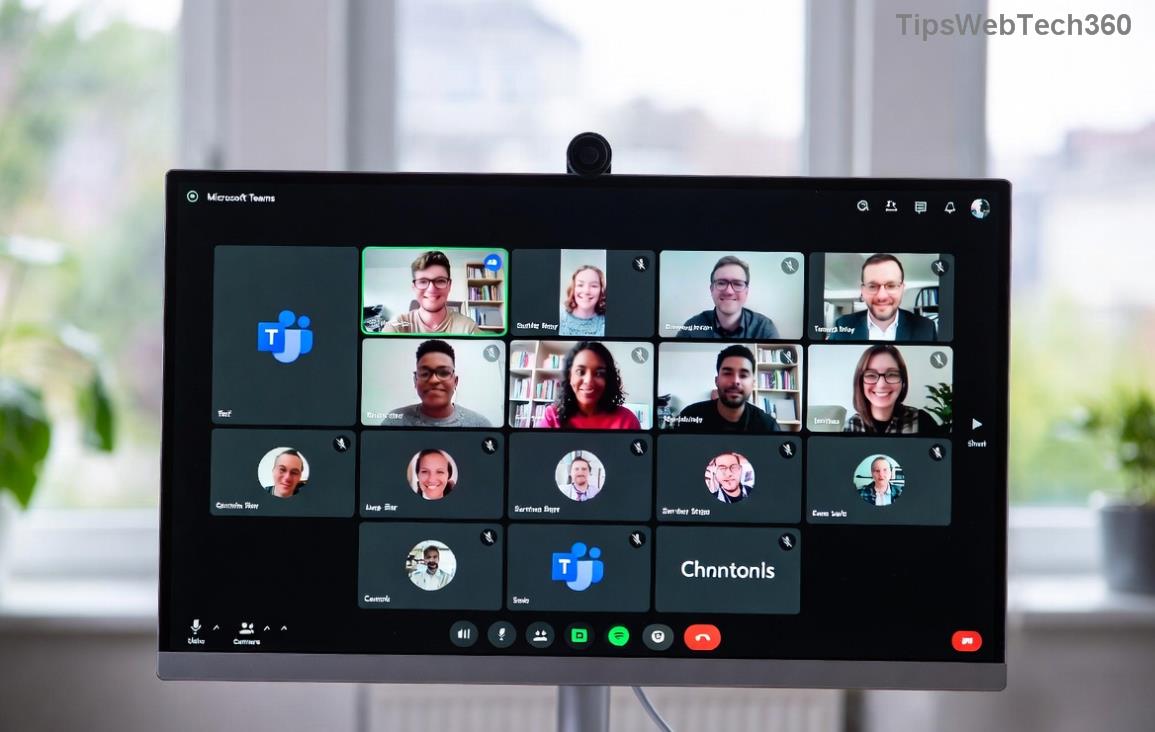
Microsoft Teams Rooms display showing Room Error Syncing issue

🧐 What Causes Microsoft Teams Rooms "Room Error" Syncing?

Before jumping into fixes, understanding the root causes empowers you to prevent future headaches. Common triggers for Teams room syncing errors include:

  • Network glitches: Unstable Wi-Fi or VPN conflicts block device registration.
  • Outdated software: Firmware or app versions lagging behind Microsoft's latest releases.
  • Account issues: Expired tokens, permission mismatches, or multi-account logins.
  • Hardware hiccups: Overheating, peripheral disconnects, or corrupted cache.
  • Resource account problems: Misconfigured room mailboxes in Exchange or Entra ID.

These issues spike during peak usage, but with the right tweaks, resolution is swift. Ready to troubleshoot? Follow these numbered steps – most users fix it in under 15 minutes! 1️⃣

πŸ”§ Step-by-Step Guide: How to Fix Microsoft Teams Rooms Sync Error

Start with basics and escalate as needed. Test after each step to confirm sync success.

1️⃣ Quick Restart Ritual

The simplest yet most effective fix! Power cycle your Microsoft Teams Rooms device:

  1. Press the power button for 10 seconds to shut down.
  2. Unplug the device and peripherals (touch console, displays) for 1 minute.
  3. Plug back in, power on, and wait 5 minutes for full sync.

Pro Tip: This clears temporary cache and resolves 40% of Teams room error syncing cases. If it persists...

2️⃣ Network Ninja Moves

Ensure rock-solid connectivity:

  • Switch to a wired Ethernet if possible – Wi-Fi drops are sync killers.
  • Run Teams Rooms network diagnostics from Settings > Network.
  • Disable VPNs or firewalls temporarily: netsh winsock reset in admin Command Prompt.
  • Verify DNS: Set to 8.8.8.8 (Google) or your org's servers.

3️⃣ Update Everything – Latest Patches Matter

Outdated firmware is a top culprit. Check for updates:

  1. Admin login > Settings > About > Check for updates.
  2. Install the newest Microsoft Teams Rooms app (version 1449/4.XX or later for optimal stability).
  3. Update touch console firmware via Intune or manual download.

Microsoft rolls out monthly improvements – staying current prevents most Teams rooms sync issues.
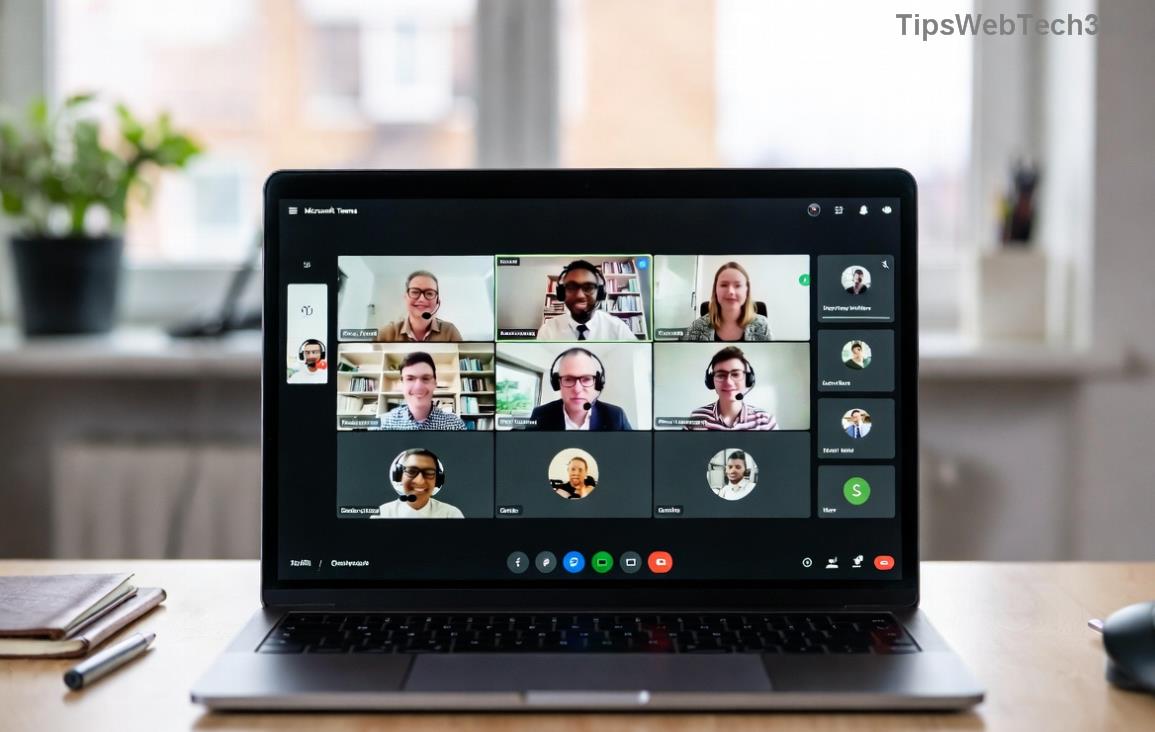
Step-by-step screenshot fixing Microsoft Teams Rooms syncing error

4️⃣ Account and Resource Reset

For deeper issues:

Error Type Fix Command/Action
Sign-in Error Settings > Sign out > Re-sign with resource account
Sync Token Expired Clear-ProvisionedAppxPackage in PowerShell
Mailbox Mismatch Verify in Microsoft 365 Admin Center

⚠️ Backup configs first! Use PowerShell on the device: Install-Module MicrosoftTeamsRoomCommands, then Restart-TeamsRoom.

5️⃣ Factory Reset – Last Resort

If all else fails:

  1. Settings > Device settings > Reset this PC.
  2. Re-enroll in Intune or your MDM.
  3. Re-provision the resource account.

Full recovery in 30-60 minutes, but syncs like new! πŸ‘

πŸ›‘οΈ Prevent Future Teams Room Syncing Errors

Stay ahead:

  • Enable auto-updates via Intune policies.
  • Schedule weekly diagnostics: Teams Rooms Health Check tool.
  • Monitor via Microsoft Docs.
  • Use dedicated resource accounts – no shared logins!

Bonus: Integrate with Microsoft Teams Rooms Pro for AI-driven monitoring and proactive alerts.

πŸŽ‰ Victory Lap: Your Meetings Are Back!

Congrats! You've conquered the Microsoft Teams Rooms "Room Error" Syncing beast. Most fixes take just minutes, restoring crystal-clear calendars, effortless joins, and zero downtime. If issues linger, drop a comment below or check your admin logs – we're in this together. What's your go-to fix? Share and help others! πŸš€

Proven on latest Teams Rooms builds for hassle-free huddles every time.

Leave a Comment

πŸš€ Fix Microsoft Teams Error Q QSP Instantly: Proven 2026 Steps That Work!

πŸš€ Fix Microsoft Teams Error Q QSP Instantly: Proven 2026 Steps That Work!

Stuck with Microsoft Teams "Error Q" QSP? Discover simple, step-by-step fixes to resolve this frustrating issue quickly. Clear cache, update, and more for seamless teamwork. Works on Windows, Mac & web. Get back online now!

πŸš€ Ultimate Fix: How to Fix Microsoft Teams Error W Web in Under 5 Minutes!

πŸš€ Ultimate Fix: How to Fix Microsoft Teams Error W Web in Under 5 Minutes!

Tired of Microsoft Teams "Error W" crashing your web sessions? Follow our proven, step-by-step guide to fix it fastβ€”clear cache, troubleshoot browsers, and restore seamless collaboration. Latest solutions inside!

πŸš€ Fix Microsoft Teams Proxy Error FAST: Ultimate Troubleshooting & Settings Guide

πŸš€ Fix Microsoft Teams Proxy Error FAST: Ultimate Troubleshooting & Settings Guide

Stuck with Microsoft Teams Proxy Error? Follow this step-by-step troubleshooting guide to fix proxy settings, clear errors, and get Teams running smoothly in minutes. Proven fixes for latest versions.

πŸš€ Fix Microsoft Teams OneDrive Error File Sync Instantly: Proven 2026 Solutions

πŸš€ Fix Microsoft Teams OneDrive Error File Sync Instantly: Proven 2026 Solutions

Struggling with Microsoft Teams OneDrive Error during file sync? Discover step-by-step fixes for seamless collaboration. Solve OneDrive sync issues in Teams today with our ultimate guide.

🚨 Microsoft Teams Welcome Error Startup Loop FIXED: 7 Proven Steps to Escape the Endless Cycle!

🚨 Microsoft Teams Welcome Error Startup Loop FIXED: 7 Proven Steps to Escape the Endless Cycle!

Struggling with the frustrating Microsoft Teams "Welcome Error" startup loop? Discover step-by-step fixes that work in the latest updates. Clear cache, reset, reinstall & more – get back to seamless collaboration fast!

πŸš€ Fix Microsoft Teams Error V in Latest Version: Proven Solutions That Work Instantly!

πŸš€ Fix Microsoft Teams Error V in Latest Version: Proven Solutions That Work Instantly!

Tired of Microsoft Teams crashing with "Error V"? This ultimate guide reveals step-by-step fixes for Solving Microsoft Teams "Error V" Version issues in the latest updates. Quick, easy, and effective – get back to seamless collaboration!

πŸš€ Instant Fix: Banish Microsoft Teams Games Plugin Error Forever!

πŸš€ Instant Fix: Banish Microsoft Teams Games Plugin Error Forever!

Tired of the frustrating Microsoft Teams "Games" Plugin Error blocking your fun? Follow our proven, step-by-step guide to fix it quicklyβ€”no tech expertise needed. Get back to gaming in Teams today!

πŸš€ Ultimate Guide: How to Remove & Switch Microsoft Teams Accounts on Windows 11 in Minutes

πŸš€ Ultimate Guide: How to Remove & Switch Microsoft Teams Accounts on Windows 11 in Minutes

Master how to remove and change a Microsoft Teams account on Windows 11 with this foolproof, step-by-step guide. Fix account issues fast, switch seamlessly, and boost your productivity today!

🚨 Microsoft Teams Down 2026? 7 Proven Fixes to Restore Service Instantly!

🚨 Microsoft Teams Down 2026? 7 Proven Fixes to Restore Service Instantly!

Is Microsoft Teams showing "Down" server status in 2026? Discover step-by-step fixes for Microsoft Teams outages, from quick restarts to advanced troubleshooting. Get back online fast with our ultimate guide!

πŸš€ Fix Microsoft Teams Shortcut Error Not Opening: Proven Solutions for Instant Access!

πŸš€ Fix Microsoft Teams Shortcut Error Not Opening: Proven Solutions for Instant Access!

Struggling with Microsoft Teams "Shortcut Error" not opening? Discover step-by-step fixes to solve Microsoft Teams shortcut error, clear cache, reset app, and get back to seamless collaboration in minutes. Updated with the latest methods.








