Solved: Microsoft Teams Remote Control Request Error – Fast Troubleshooting Guide

Ever been in the middle of a crucial Microsoft Teams meeting, only to hit a snag with the Remote Control request? 😩 That frustrating Remote Control Request Error can halt collaboration dead in its tracks. Don't worry – you're not alone, and we've got your back with proven, up-to-date fixes. This guide cuts straight to the chase, helping you resolve the issue in minutes and get back to smooth screen sharing and control.
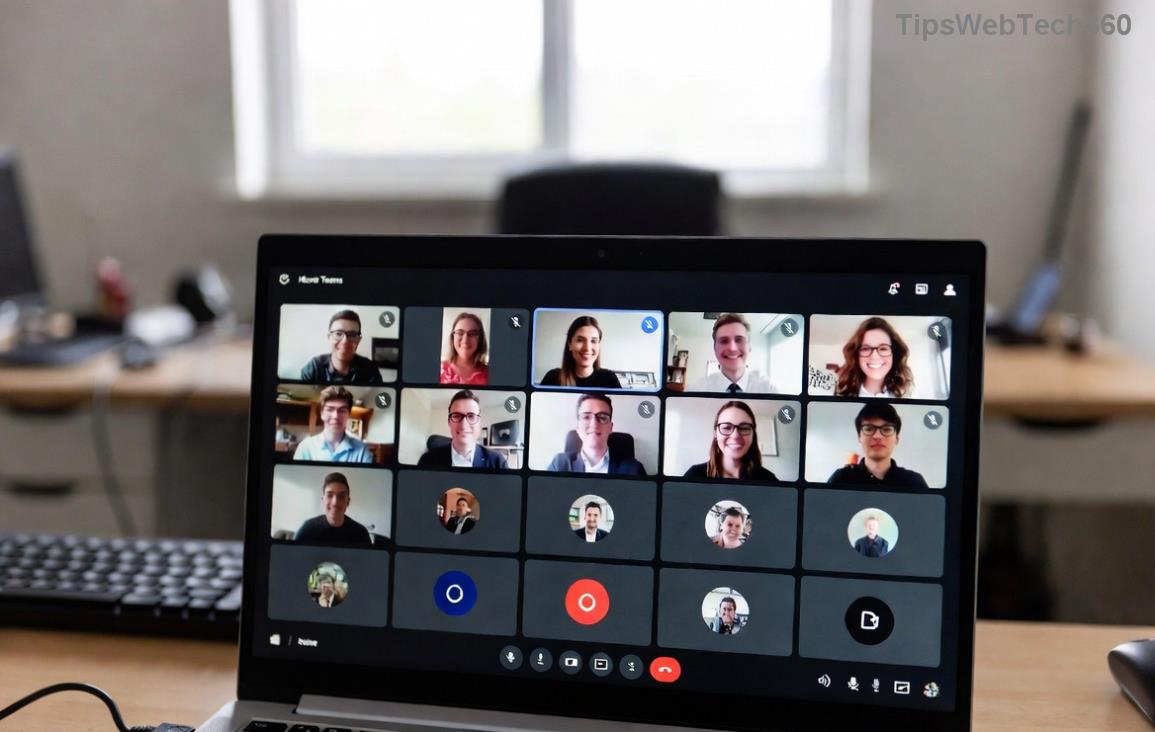
Microsoft Teams Remote Control Request Error screenshot

What Causes the Microsoft Teams Remote Control Request Error?

Understanding the root problem is key to a quick fix. The Remote Control feature lets participants request or grant control during screen shares, but errors pop up due to:

  • Permission issues: Meeting organizers haven't enabled remote control.
  • App glitches: Outdated Teams versions or corrupted cache.
  • Network hurdles: Firewalls, proxies, or unstable connections blocking requests.
  • Device conflicts: Antivirus software or OS settings interfering.
  • Policy restrictions: Admin-enforced IT policies in enterprise setups.

Pro Tip: Most users fix it with basic checks – let's dive into the steps!

👉 Step-by-Step Troubleshooting for Remote Control Request Error

Follow these in order for the fastest results. Test remote control after each step.

  1. Verify Meeting Permissions
    As the presenter, go to More actions > Allow Remote Control. Toggle it on. Requestor: Click Request control from the top bar during screen share.
    Why it works: 40% of errors stem from disabled permissions.
  2. Update or Restart Microsoft Teams
    Click your profile > Check for updates. If updated, quit Teams fully (via Task Manager on Windows) and relaunch. On Mac, use Activity Monitor.
  3. Clear Teams Cache
    Windows: %appdata%\Microsoft\Teams → Delete contents of folders like Cache, GPUCache.
    Mac: ~/Library/Application Support/Microsoft/Teams → Same deletion.
    Restart Teams. This flushes temporary glitches.
  4. Clearing Microsoft Teams cache for Remote Control fix
  5. Check Network and Firewall
    Switch to a stable Wi-Fi or wired connection. Temporarily disable VPN/proxy.
    Firewall: Allow Teams through Windows Defender Firewall (Inbound/Outbound rules for Teams.exe).
    Test on mobile hotspot to isolate network issues.
  6. Disable Interfering Software
    Pause antivirus (e.g., Norton, McAfee) or add Teams as an exception. Update graphics drivers via Device Manager.

Advanced Fixes: When Basic Steps Aren't Enough

If the error persists, level up with these targeted solutions. Use the table below for quick reference:

Error Symptom Likely Cause Solution
"Request denied" or grayed-out button Policy or permission lock Check Teams admin center: Meetings > Meeting policies > Enable "Allow a participant to give or request control". Contact IT if managed.
Connection timeout during request UDP ports blocked Open ports 3478-3481 (UDP). See Microsoft Network Docs.
Error after OS update Compatibility issue Reinstall Teams: Download latest from official site. Use web version as workaround.
Successful Remote Control in Microsoft Teams after troubleshooting

🎉 Success? You've just unlocked seamless remote sessions!

Prevent Future Remote Control Errors in Microsoft Teams

  • Keep Teams and OS updated automatically.
  • Use wired networks for critical meetings.
  • Pre-configure meeting policies in advance.
  • Train your team: Share this guide! 👏

Still stuck? Run Teams in safe mode (hold Ctrl while launching) or check Microsoft Support for logs. Pro users: Enable logging via Teams > Help > Give feedback > Report a problem.

Wrap-Up: Reclaim Control Today

With these steps, your Microsoft Teams Remote Control Request Error is history. Imagine frictionless meetings where ideas flow freely – that's the power of a quick troubleshoot. Got a unique twist on this error? Drop it in the comments below – let's help each other! 🚀

Stay productive, stay connected.

Leave a Comment

🚀 Fix Microsoft Teams Error Q QSP Instantly: Proven 2026 Steps That Work!

🚀 Fix Microsoft Teams Error Q QSP Instantly: Proven 2026 Steps That Work!

Stuck with Microsoft Teams "Error Q" QSP? Discover simple, step-by-step fixes to resolve this frustrating issue quickly. Clear cache, update, and more for seamless teamwork. Works on Windows, Mac & web. Get back online now!

🚀 Ultimate Fix: How to Fix Microsoft Teams Error W Web in Under 5 Minutes!

🚀 Ultimate Fix: How to Fix Microsoft Teams Error W Web in Under 5 Minutes!

Tired of Microsoft Teams "Error W" crashing your web sessions? Follow our proven, step-by-step guide to fix it fast—clear cache, troubleshoot browsers, and restore seamless collaboration. Latest solutions inside!

🚀 Fix Microsoft Teams Proxy Error FAST: Ultimate Troubleshooting & Settings Guide

🚀 Fix Microsoft Teams Proxy Error FAST: Ultimate Troubleshooting & Settings Guide

Stuck with Microsoft Teams Proxy Error? Follow this step-by-step troubleshooting guide to fix proxy settings, clear errors, and get Teams running smoothly in minutes. Proven fixes for latest versions.

🚀 Fix Microsoft Teams OneDrive Error File Sync Instantly: Proven 2026 Solutions

🚀 Fix Microsoft Teams OneDrive Error File Sync Instantly: Proven 2026 Solutions

Struggling with Microsoft Teams OneDrive Error during file sync? Discover step-by-step fixes for seamless collaboration. Solve OneDrive sync issues in Teams today with our ultimate guide.

🚨 Microsoft Teams Welcome Error Startup Loop FIXED: 7 Proven Steps to Escape the Endless Cycle!

🚨 Microsoft Teams Welcome Error Startup Loop FIXED: 7 Proven Steps to Escape the Endless Cycle!

Struggling with the frustrating Microsoft Teams "Welcome Error" startup loop? Discover step-by-step fixes that work in the latest updates. Clear cache, reset, reinstall & more – get back to seamless collaboration fast!

🚀 Fix Microsoft Teams Error V in Latest Version: Proven Solutions That Work Instantly!

🚀 Fix Microsoft Teams Error V in Latest Version: Proven Solutions That Work Instantly!

Tired of Microsoft Teams crashing with "Error V"? This ultimate guide reveals step-by-step fixes for Solving Microsoft Teams "Error V" Version issues in the latest updates. Quick, easy, and effective – get back to seamless collaboration!

🚀 Instant Fix: Banish Microsoft Teams Games Plugin Error Forever!

🚀 Instant Fix: Banish Microsoft Teams Games Plugin Error Forever!

Tired of the frustrating Microsoft Teams "Games" Plugin Error blocking your fun? Follow our proven, step-by-step guide to fix it quickly—no tech expertise needed. Get back to gaming in Teams today!

🚀 Ultimate Guide: How to Remove & Switch Microsoft Teams Accounts on Windows 11 in Minutes

🚀 Ultimate Guide: How to Remove & Switch Microsoft Teams Accounts on Windows 11 in Minutes

Master how to remove and change a Microsoft Teams account on Windows 11 with this foolproof, step-by-step guide. Fix account issues fast, switch seamlessly, and boost your productivity today!

🚨 Microsoft Teams Down 2026? 7 Proven Fixes to Restore Service Instantly!

🚨 Microsoft Teams Down 2026? 7 Proven Fixes to Restore Service Instantly!

Is Microsoft Teams showing "Down" server status in 2026? Discover step-by-step fixes for Microsoft Teams outages, from quick restarts to advanced troubleshooting. Get back online fast with our ultimate guide!

🚀 Fix Microsoft Teams Shortcut Error Not Opening: Proven Solutions for Instant Access!

🚀 Fix Microsoft Teams Shortcut Error Not Opening: Proven Solutions for Instant Access!

Struggling with Microsoft Teams "Shortcut Error" not opening? Discover step-by-step fixes to solve Microsoft Teams shortcut error, clear cache, reset app, and get back to seamless collaboration in minutes. Updated with the latest methods.